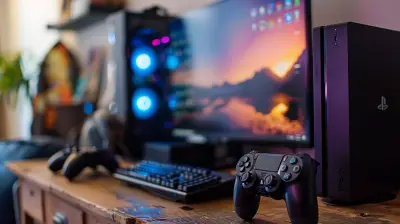
Essential Tips for Setting Up Your Streaming Studio
20 July 2026
So, you’ve decided to start streaming. Awesome! Whether you’re aiming to conquer Twitch, build a cozy YouTube community, or just share epic gameplay moments with your friends, setting up your streaming studio is the first big step. But hold up—before you dive into cables and webcams, let’s talk shop.
Setting up a streaming studio might sound like rocket science at first, but trust me, it’s more like building your dream gaming lair. I’m going to walk you through the essentials, break down the tech jargon, and help you piece together a setup that not only looks good but performs like a beast.
Let’s get your stream ready to roll.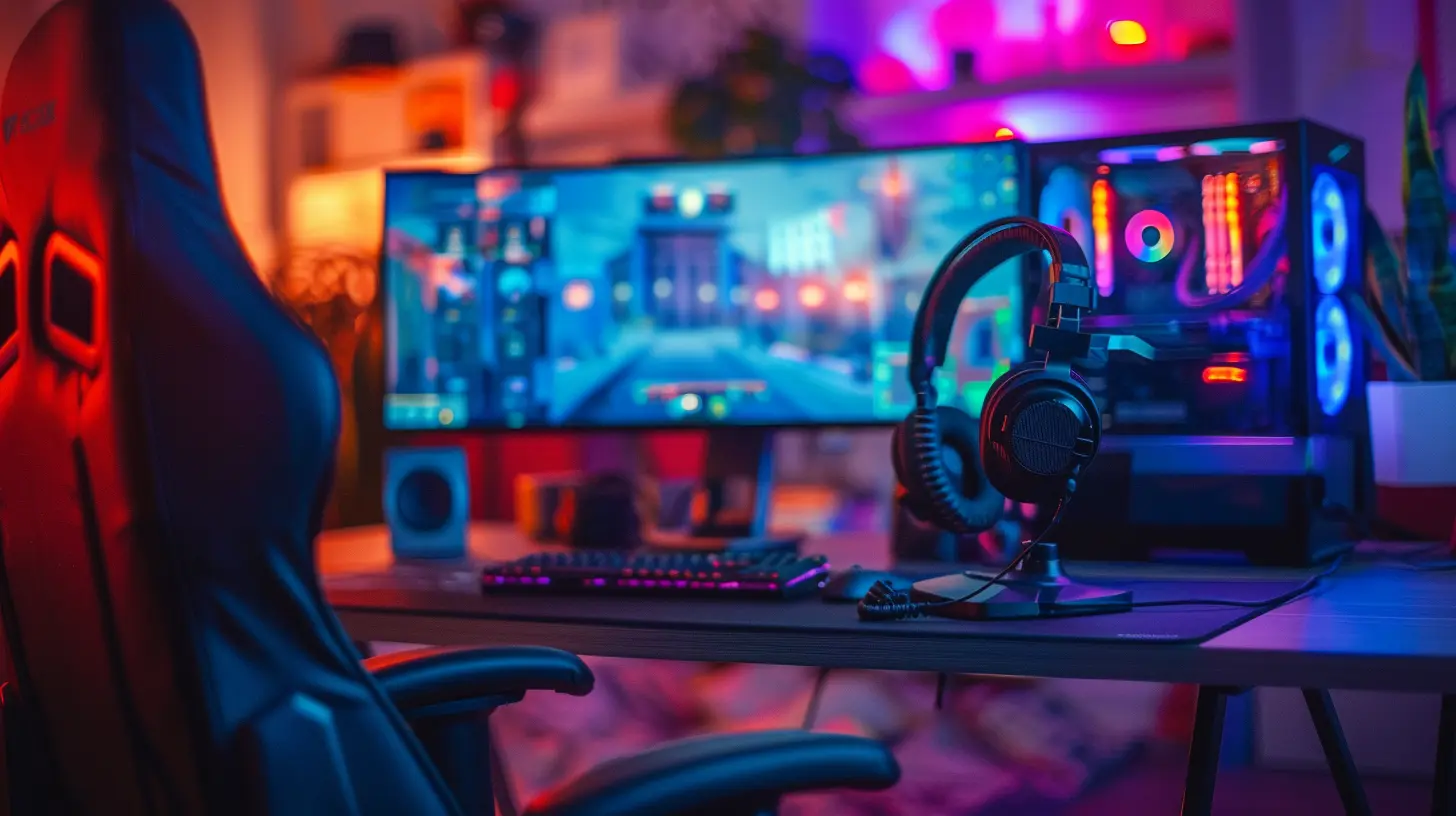
?️ Start With a Clear Game Plan
Before you spend a dime, ask yourself: what kind of streamer do you want to be?Casual gamer? Competitive Esports player? IRL talk-show host with spicy hot takes?
Your goals decide your gear. If you’re mostly gaming, you’ll need a solid PC and capture setup. If it’s more "just chatting", then lighting and camera quality might matter more.
What’s your content style? Chill and cozy or loud and edgy? Your studio vibe should match your brand.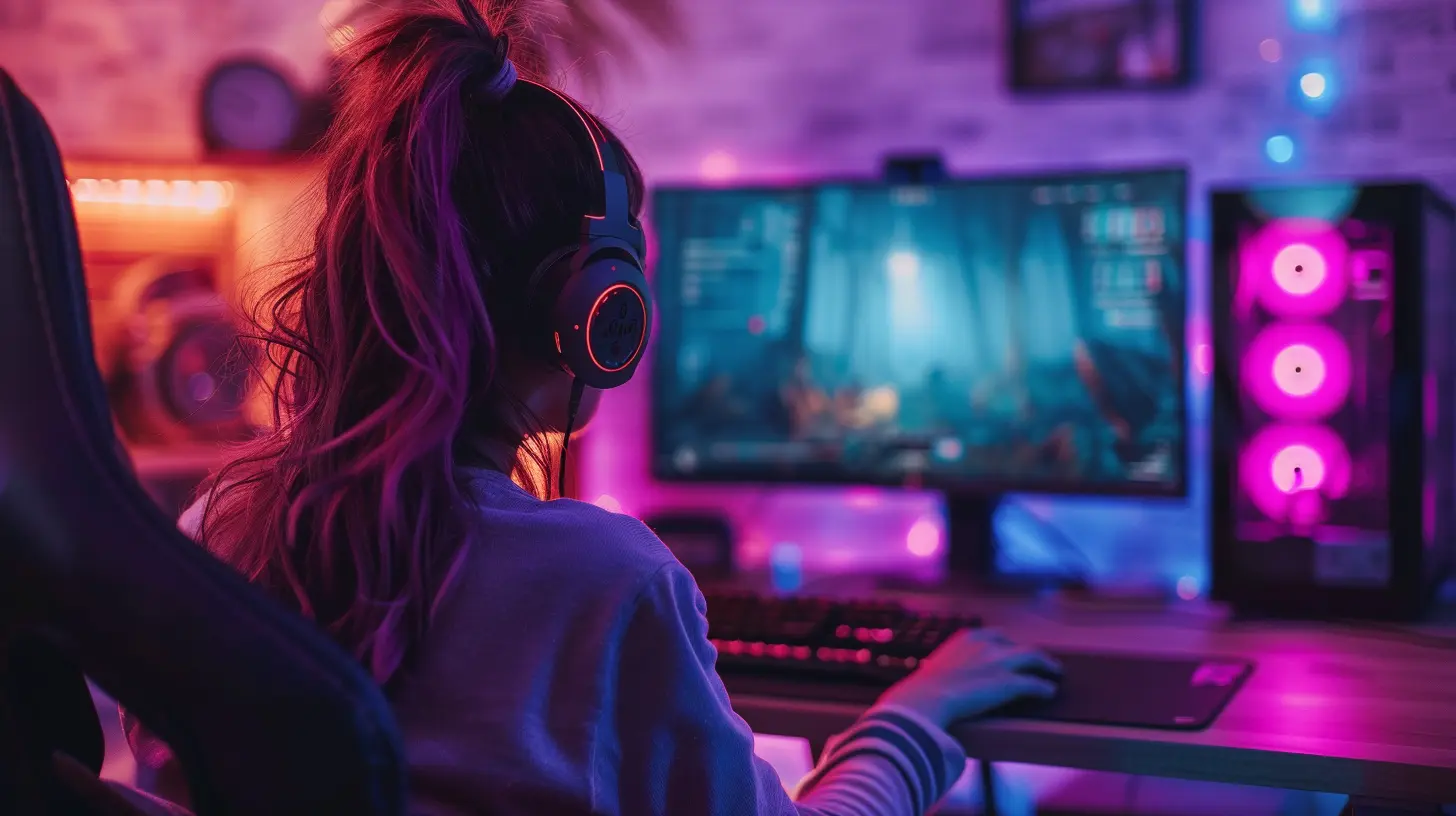
? The Heart: Building the Perfect Streaming PC
Let’s be real—your PC is the engine behind your entire stream. If it’s wheezing trying to run Minecraft, your viewers are going to peace out real quick.Here’s what you want under the hood:
CPU – Multi-Tasking Muscle
Streaming = multitasking. You’re gaming, encoding, and interacting all at once. A good CPU (think AMD Ryzen 7 or Intel Core i7 and up) keeps things buttery smooth.GPU – Because Frames = Fans
Frame drops are the stream killer. If you’re playing and streaming from the same PC, a powerful GPU (like an RTX 3060 Ti or higher) is essential.RAM – More is More
16GB is the absolute minimum. 32GB gives you room to breathe, especially if you run overlays, music, browser tabs, and Discord.Storage – Quick Access = Quick Loads
Use an SSD for fast load times on games and software. NVMe drives are lightning fast and worth the upgrade.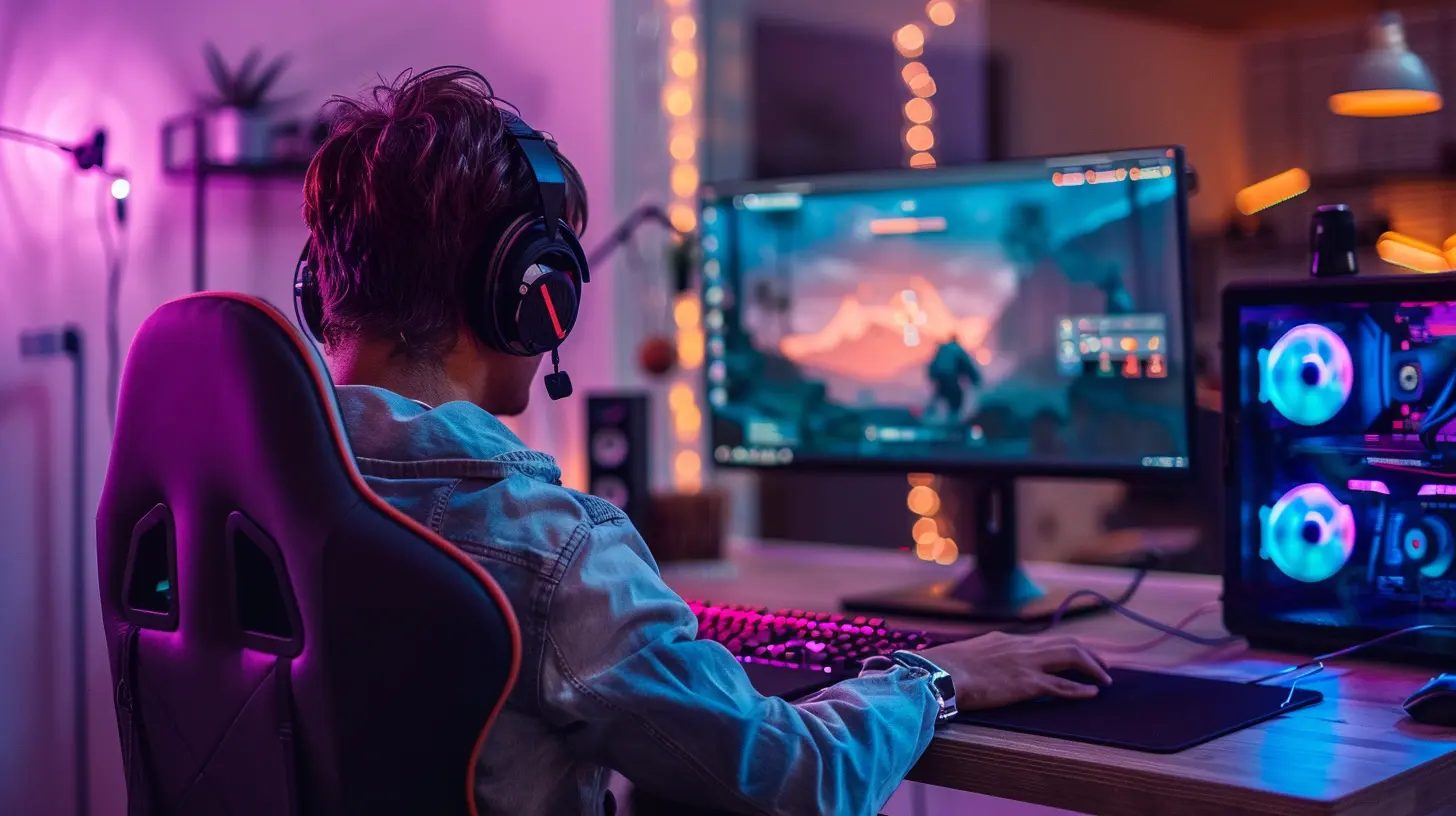
? Lights, Camera, Action: Webcam and Lighting
Let’s talk face cams. Even if you’re shy, viewers love seeing your reactions. It adds personality and trust.Webcam – Look Sharp
A Logitech StreamCam or Elgato FaceCam gets the job done. Want DSLR-level quality? A mirrorless camera + capture card combo takes it next level (but it ain’t cheap).Tip: Good lighting makes a budget webcam look 10x better.
Lighting – Your Secret Weapon
No more creepy horror-movie shadows, okay?Grab a ring light or softbox. The Elgato Key Light is popular (and pricey), but even a $30 ring light improves your setup massively. Position it slightly off-center for depth and vibe.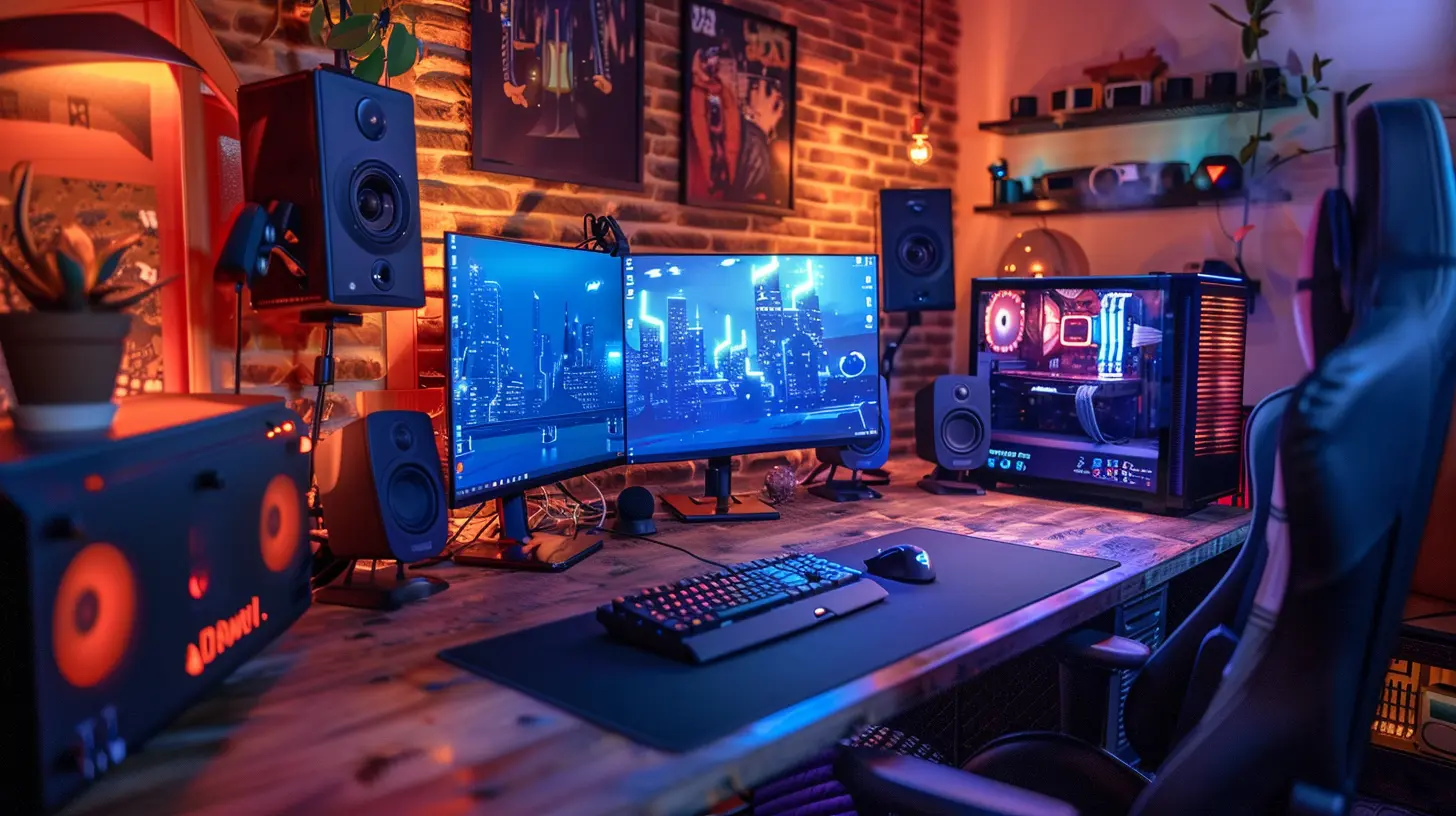
?️ Audio That Doesn’t Suck
If your viewers can’t hear you clearly, they’ll bounce—no matter how good your gameplay is.Microphone – Ditch That Headset Mic
A USB mic like the Blue Yeti or Elgato Wave:3 is plug-and-play and sounds great. If you want studio-quality, an XLR mic (like the Shure SM7B) with an audio interface is the gold standard.Pop Filter & Boom Arm – Small Add-Ons, Big Difference
These simple tools clean up your sound and keep your mic out of your face. No more desk bumps or heavy breathing noises.? Capture Cards: For Console Streamers
If you’re streaming from a console (PS5, Xbox, Switch), you’ll need a capture card. It’s the bridge between your console and your PC.Elgato’s HD60 X or 4K60 Pro are great picks. They capture high-res gameplay with minimal latency and are super streamer-friendly.
? Stream Software: OBS vs. The World
Open Broadcaster Software (OBS) is king. It’s free, powerful, and crazy customizable. But if you want something more polished out of the box, Streamlabs OBS is beginner-friendly.Add overlays, alerts, transitions, and tweak them till they scream “you.” Not super techy? Go for premade themes from OWN3D or NerdOrDie.
? Studio Vibes: Make It Yours
You don’t need RGB overload (unless that’s your jam). But having a space that’s you makes streaming fun. And viewers dig a good backdrop.Background – Clean, Cool, or Chaotic?
Tidy up the clutter. Hang some wall art, place a shelf with collectibles, or throw in some smart lights. Little things make your space pop on screen.Green Screen – For That Pro Look
If you’re short on space, consider a green screen. It lets you cut out the background and blend into your stream scene.? Audio Monitoring: Hear What They Hear
You ever watched back your stream and cringed at echo or peaking audio? Yeah, it’s the worst.Use headphones while streaming. Closed-back headphones help you monitor your game and mic without feedback. Plus, it makes you look way cooler.
Bonus tip: Route your mic through OBS with filters like noise suppression and compression. It’s like auto-tune for your voice—minus the singing.
? Internet: The Unsung Hero
You can have a killer setup, but without solid internet? You’re toast.Upload Speed – The Magic Number
You need at least 5 Mbps upload for 1080p streaming. 10 Mbps+ is the real sweet spot.Pro Tip: Always stream via Ethernet. Wi-Fi can lag and drop out, especially during peak hours.
? Cable Management: Don’t Be That Guy
A jungle of wires everywhere? Not the vibe.Use velcro ties or cable sleeves to keep things neat. Trust me, a clean setup makes you feel like a pro—even if you’re just streaming Stardew Valley.
Plus, if something breaks, good cable management makes troubleshooting way easier.
? Test Before You Go Live
Testing is underrated. Do a private stream, record some footage, and watch it back. Check your audio levels, video quality, stream delay, and engagement tools.It’s like a dress rehearsal but for gaming glory.
?️ Tools That Make Life Easier
Here’s a quick list of must-have tools for streamers:- Stream Deck (by Elgato): Custom buttons for scenes, sound effects, chat messages.
- Chatbot (like StreamElements or Nightbot): Auto-moderate chat like a boss.
- Discord: Great for building your community off-platform.
- Trello or Notion: Keep track of stream ideas, guest schedules, or goals.
? Keep Improving Your Setup
Don’t feel like you need to buy everything at once. Start small, work with what you’ve got, and upgrade as you grow.Streaming is a marathon, not a sprint. Your content and personality are the real stars. The gear just helps you shine.
The perfect setup is the one that helps you stay consistent, interact better, and have fun while doing it.
? Final Thoughts
Setting up your streaming studio is like building your own command center. You control the vibe, the energy, the content—and that’s powerful.Yes, gear matters. But authenticity wins every time. Viewers care more about how you engage, react, and tell your story than whether your camera shoots in 4K.
So take your time. Get the essentials right. And don’t be afraid to tweak things along the way. The streaming world moves fast, but your studio? That’s your foundation.
Now, go hit that “go live” button and let ‘em know you’ve arrived.
all images in this post were generated using AI tools
Category:
Livestreaming GamesAuthor:

Kaitlyn Pace
Discussion
rate this article
1 comments
Hope Brown
Content is crucial, but don't overlook audio quality and lighting.
July 22, 2026 at 4:15 PM
Kaitlyn Pace
Absolutely, great content deserves top-notch audio and lighting to enhance the overall experience. Thanks for the reminder!