Using Chatbots and Automation to Improve Your Game Stream
18 September 2026
Let’s be real: game streaming today is a lot more than just being good on the sticks or having a mic and webcam. You’ve got to engage your audience, keep your chat lively, reward your loyal viewers, manage trolls, update stream info, and… well, the list keeps growing. That’s where the real MVPs step in—chatbots and automation.
Yeah, we’re talking about those “bots” in your chat that toss out welcome messages, handle commands like pros, and even drop jokes on cue. That might sound robotic (pun intended), but when used right, these tools can actually make your stream feel more alive and interactive than ever.
So whether you're just starting out on Twitch or you're trying to level up your YouTube Gaming hustle, let’s break down how using chatbots and automation can totally transform your stream—and let you focus more on doing what you love: gaming.
Why Should Streamers Even Care About Automation?
Think about how chaotic it gets during a lively stream. You’ve got messages flying in the chat, new followers dinging every few seconds, and someone’s asking for your GPU specs for the tenth time. Are you supposed to pause your gameplay every time that happens?Nope. Enter automation.
Chatbots and automation tools are like your behind-the-scenes crew—they manage the repetitive stuff so you can stay locked in. They don't just make life easier; they create a better experience for your viewers, too.
What Are Chatbots in Streaming?
Let’s start from square one.A chatbot is a tool that “lives” in your stream chat. It reacts to specific commands typed by viewers or actions happening on your live feed. For example, someone could type “!socials” to see your Twitter, Instagram, and Discord links. Or a bot might thank users who follow or sub, without you lifting a finger.
Some popular game streaming chatbots include:
- Nightbot – Simple, cloud-based, and totally free.
- Streamlabs Cloudbot – Has tons of built-in features and integrates with the Streamlabs ecosystem.
- Moobot – User-friendly and customizable.
- StreamElements Bot – Complete with overlays, tipping, and loyalty system integration.
These bots aren’t just robots muttering scripted lines. When used creatively, they become a part of your online persona—a virtual wingman for your gaming brand.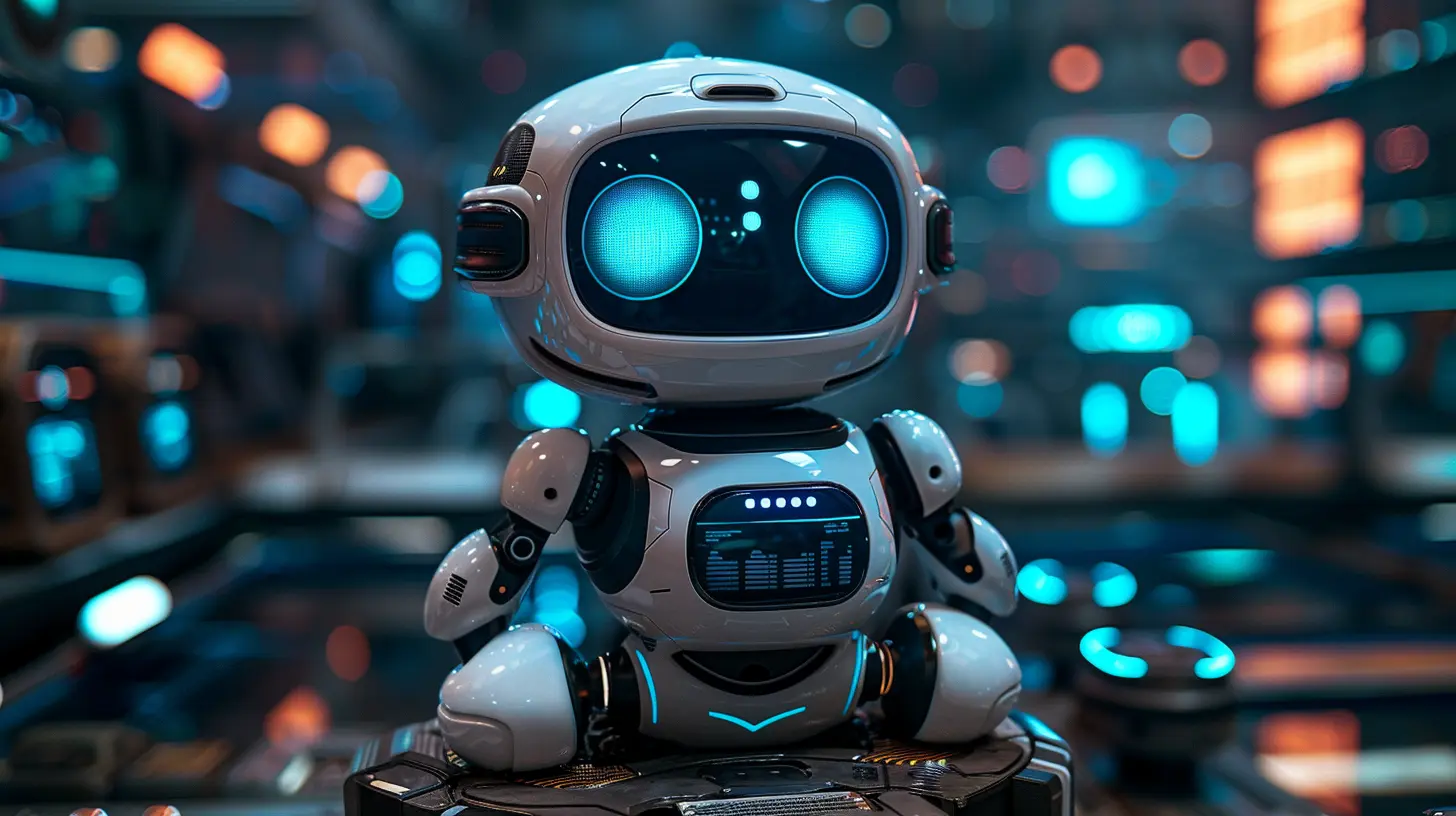
Key Benefits of Using Chatbots in Your Stream
So what kind of magic can you pull off with these bots? A lot more than you’d think.1. Boost Viewer Engagement (Without Breaking a Sweat)
You know the drill—keeping an audience engaged is no joke. But bots can handle the basics like welcoming newbies (“Hey @user, welcome to the stream!”) or running polls (“What game should I play next?”).That small interaction? It makes viewers feel seen, and that’s key for keeping them around.
2. Answer FAQs Instantly
How many times have people asked “What game is this?”, “When do you stream?”, or “PC specs?” Bots can answer all of that with pre-set commands like:text
!schedule – I stream Mon/Wed/Fri @ 7PM EST!
!setup – Ryzen 7 5800X, RTX 3080, 32GB RAM.
!discord – Join our community → [Link]
It’s like having a mini-FAQ system living in your chat.
3. Run Giveaways and Contests on Autopilot
Nothing gets viewers hyped like giveaways. But managing entries, drawing winners, and keeping it fair? Ugh… exhausting.Bots can handle that entire process automatically. Yup—no need to fumble with spreadsheets.
4. Reward Loyal Viewers with Points and Perks
Most major bots have a loyalty points system. Viewers earn points just by watching you, chatting, or doing special things like tipping.You can set up cool redemptions like:
- Highlighted shoutouts
- Custom emotes
- On-stream effects (yes, bots can trigger alerts too!)
- Request a song (if you allow music)
Gamifying your stream? That’s next-level viewer retention.
5. Moderate the Chat Like a Pro
No one likes internet trolls. Chatbots can auto-moderate spam, bad words, links, and whatever else ruins good vibes.You can even set timers to remind people of your rules, donation links, or upcoming segments.
Automation Outside Chat: Beyond Bots
Let’s zoom out a bit. Automation isn’t just about stream chat. There’s a whole world of tools that can automate everything from alerts to overlays and beyond.1. Stream Decks for Easy Automation
Got an Elgato Stream Deck or mobile app? You can automate everything from switching scenes to tweeting your go-live notification. Hit one button and boom—you’re live, your overlays are set, Discord is notified, and you’re good to go.2. Automated Alerts and Overlays
Tools like Streamlabs, OBS, and StreamElements let you set up flashy alerts that play during new follows, bits, subs, and raids. Once set up, they activate without you touching anything.You can even take it a step further and use tools like LioranBoard or Touch Portal to build custom triggers. Want to play a sound effect every time your health drops below 10% in a game? Yeah, that’s doable.
3. Crossposting and Scheduling Content
Finished an epic stream? Use automation to clip highlights, post to Twitter, Discord, and even schedule a YouTube upload—all in one go.Services like IFTTT, Zapier, or Crossclip can take your video content and place it anywhere you need, saving you hours of manual work.
Real Talk: Will Bots Make Your Stream Feel... Fake?
Hold up. Isn't a chatbot just a fake version of you? Won’t viewers feel less connected if a bot keeps talking instead of the actual streamer?Totally valid concern—but here’s the deal:
Bots don’t replace you, they enhance you.
Think of them like an assistant, not a substitute. Sure, the bot welcomes new viewers, but you can follow up with a personal “Hey, glad to have you!” Bots can run a joke command, but your humor is still what keeps people laughing.
In fact, good bot integration makes you more available for real-time interaction.
Tips for Using Chatbots Without Losing Your Personality
Let’s keep it real—streaming is personal. You don’t want to feel like your chat is all robots and no soul. So here’s how to keep it human:✅ Customize Your Messages
Instead of generic “Thanks for following,” try:> “Yo @user! You made it! Grab a seat and enjoy the chaos.”
✅ Limit the Spam
Set bot announcements on timers (like once every 15 minutes), and space out commands to avoid flooding the chat.✅ Add Fun Commands
Try goofy ones like `!yeet`, `!dadjoke`, or even inside jokes from your community. Let your viewers shape the stream culture.✅ Tell Your Community About the Bots
Let them know what commands are available. Most bots can respond to `!commands` with a full list. You can even feature it in your stream description or panels.Bringing It All Together
Streaming is like juggling flaming swords while riding a unicycle—you’ve got to entertain, engage, moderate, and multitask all the time. Automating the boring stuff lets you focus on what matters: connecting with your audience and having a blast gaming.Chatbots and automation tools aren’t shortcuts—they’re upgrades. They give your viewers a smoother experience while freeing you up to be more “you” on stream.
So if you haven’t tried bots and automation yet, what are you waiting for? It’s like having a co-op partner in real life, except this one never complains and works 24/7.
Whether you're aiming for that Twitch Affiliate badge or already pulling in sponsors, adding automation to your stream toolkit is a no-brainer.
Now go on—let the bots handle the grind while you focus on the glory.
all images in this post were generated using AI tools
Category:
Livestreaming GamesAuthor:

Kaitlyn Pace
Discussion
rate this article
1 comments
Amber Patel
Embrace the future; let chatbots elevate your gaming experience!
September 19, 2026 at 2:20 PM
Kaitlyn Pace
Thanks for sharing your thoughts! Chatbots can really add a new layer to gaming streams.