How to Start Livestreaming Games Without Breaking the Bank
5 July 2026
So, you want to become a game streamer, huh? Well, you're not alone. Whether it's the dream of building a community, showing off your skills, or chasing that full-time content creator life, livestreaming has become a go-to path for gamers everywhere. But here's the kicker: not everyone has a fat wallet to drop on high-end gear right off the bat.
Don’t worry though, I’ve got your back. You don’t need a triple-monitor setup with RGB lights blinding your neighbors to start your streaming journey. In fact, you can totally step into the world of game streaming on a budget — and I’m going to show you how.
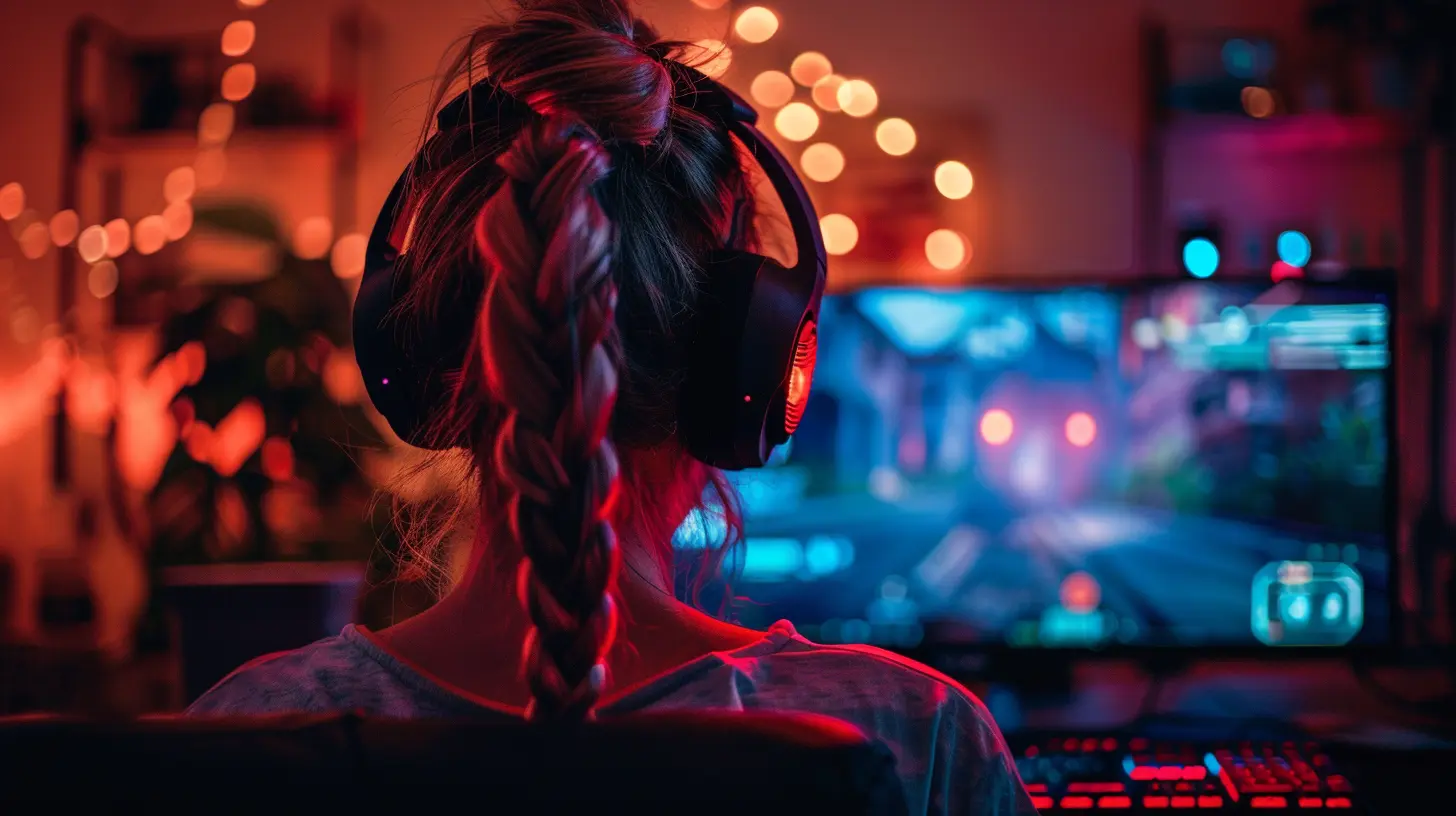
Why Start Livestreaming Games?
First off, why even bother livestreaming in the first place?Well, there’s something magical about sharing your gaming experience with others in real-time. Whether it’s landing that perfect headshot, speedrunning your favorite RPG, or just chilling while playing cozy indies, streaming lets you entertain and connect with others who love the same stuff you do.
Plus, with platforms like Twitch, YouTube, and even Facebook Gaming, anyone can go from zero to hero with some consistency and personality.
Now, let’s talk strategy — budget strategy.
Step 1: Choose the Right Streaming Platform
Before you worry about anything else, decide where you're gonna stream. Your platform choice will affect your setup and growth strategy.✨ Best Budget-Friendly Streaming Platforms:
- Twitch: Big audience, great for discoverability, but competition’s tough.- YouTube Live: Already have a YouTube channel? A great choice to build a dual audience.
- Facebook Gaming: Easier to get started, especially if you’ve got an existing friend base.
Each has pros and cons, but the good news? They’re all free to start.
Step 2: Assess Your Current Gear
Here's the thing: You don’t need the latest and greatest gear. Chances are, you already own most of what you need.? Console or PC?
- Console Streams (PS4, PS5, Xbox): You can stream directly from most consoles without a capture card. Press a button, go live. Easy.- PC Streams: A little more demanding, but with the right tweaks, you can do it on a mid-range machine.
Pro Tip: Start with what you’ve got. Upgrade as your stream grows — not before.
Step 3: Budget Streaming Gear That Gets the Job Done
You don't need a mega setup from Day 1. Here’s how you can set up your stream without maxing out your credit card.? Computer: You Don’t Need a Beast
If you’re streaming from a PC, you’ll want at least:- CPU: Quad-core or better (Intel i5 or Ryzen 5)
- RAM: 8GB minimum (16GB is smoother)
- GPU: GTX 1050 Ti or equivalent
Can’t afford a new rig? Try using low-resource games or stream from consoles with your PC acting as a secondary streaming system.
? Webcam: Optional But Powerful
Viewers love seeing the face behind the voice. But if funds are tight, skip it for now.- Budget Option: Logitech C270 (~$20)
- Mid-Range: Logitech C920 (~$60)
Or hey, even your smartphone can be used as a webcam with apps like DroidCam or EpocCam.
?️ Microphone: Your Voice is Your Power
Honestly, audio matters more than video. No one sticks around for a laggy, echo-filled stream.- Budget Pick: Fifine USB Mic (~$30)
- Even Cheaper: Use a decent headset mic (SteelSeries, HyperX headsets do just fine)
Avoid built-in laptop mics – they’re like yelling into a tin can.
?️ Capture Card: Only if You’re Streaming Consoles
Only needed if your console doesn’t support native streaming or if you want overlays and alerts.- Budget Option: MiraBox or generic HDMI capture cards (~$30-$50)
- Midrange Option: Elgato HD60 S (~$130) — pricey, but rock-solid
Step 4: Free (Or Cheap) Streaming Software
The best part about getting started? The software you need is FREE.? OBS Studio
- Free, open-source, and customizable.- Tons of tutorials online.
? Streamlabs (SLOBS)
- More user-friendly for beginners.- Has built-in alerts, overlays, and themes.
Both can help you make your stream look semi-pro even if you’re streaming from a potato.
Step 5: Design Your Stream Like a Pro (Without Paying a Dime)
Your stream visuals matter — but don’t pay for overlays when there are free ones all over the internet.? Free Resources:
- Nerd or Die (yes, they’ve got freebies!)- Streamlabs Overlay Library
- Visuals by Impulse – sweet designs and zero cost
Want something totally unique? Use Canva to design your own logo and offline screens — it’s drag-and-drop simple.
Step 6: Internet Speed — It’s More Important Than You Think
If your stream stutters like your drunk uncle at a wedding, people will leave.? Minimum Requirements:
- Upload Speed: At least 3 Mbps (10 Mbps recommended)- Ethernet > Wi-Fi (Seriously. Use a cable if possible.)
Run a quick speed test (Speedtest.net) and adjust your bitrate in OBS accordingly. Lower bitrate means lower quality but smoother performance with slower internet.
Step 7: Optimize Your Settings for Budget Hardware
Streaming from a low-end PC or laptop? You're not out of luck.? Pro Settings for Low-End Systems:
- Output Resolution: 720p @ 30fps (still looks good!)- Encoder: Use NVENC if you’ve got an NVIDIA GPU
- Bitrate: 2000–3000 kbps for 720p
- Turn off game browser overlays and background apps
Try different settings and preview your stream — it'll take some trial and error, but it's worth it.
Step 8: Engage Your Audience — It Doesn’t Cost a Cent
Here's the part money can't buy — your personality.? Be You
Gamers don’t follow for high-res graphics; they follow you. Talk to your viewers, acknowledge chat, joke around, share stories, and just be yourself.?️ Stay Consistent
Even if it’s once a week, sticking to a schedule builds trust with your community. Use free tools like Trello or Google Calendar to plan your content.Step 9: Monetize Without Spending First
Once your stream gains some traction, you can start making a little money — and reinvest it back into your setup.? Ways to Monetize:
- Twitch Affiliate (after 50 followers + 3 avg viewers)- YouTube Super Chats & Memberships
- Donations (use something like Streamlabs tips)
- Affiliate Marketing (Amazon, gaming gear)
Zero up-front cost, and every little bit helps.
Step 10: Grow Organically (No Paid Ads Needed)
Boosting your stream doesn’t mean spending on ads.? Social Media Is Your BFF
- Post short clips on TikTok, YouTube Shorts, Instagram Reels- Use hashtags like #SmallStreamer or #StreamerLife
- Join Facebook groups, subreddits, and Discord servers
Even a 10-second funny moment can go viral and bring in eyeballs.
Bonus: Mobile Game Streaming on a Budget
Only have a smartphone? You can still stream mobile games.? How to Stream Mobile Games:
- Use Streamlabs Mobile App or Omlet Arcade- Add overlays, alerts, and chat right from your phone
- Works great for games like PUBG Mobile, Clash Royale, Among Us, etc.
No PC required. Just your phone, solid WiFi, and a bit of creativity.
Final Thoughts: Start Now, Worry Later
You know what? The most important part of streaming isn’t gear or money — it’s starting.Plenty of big streamers began with janky webcams, crusty mics, and hand-me-down PCs. What got them noticed was their consistency, personality, and love for gaming.
So go ahead — hit that "Go Live" button. Don't wait for the perfect setup. Your dream stream is one step away, and you don't need to be rich to take it.
all images in this post were generated using AI tools
Category:
Livestreaming GamesAuthor:

Kaitlyn Pace
Discussion
rate this article
1 comments
Thea McVaney
Livestreaming doesn't have to cost a fortune! With a little creativity and some budget-friendly gear, you can turn your gaming sessions into a show. Grab your snacks, set up that camera, and get ready to entertain the masses... or at least your cat!
July 12, 2026 at 4:43 AM
Kaitlyn Pace
Absolutely! With some creativity and the right tools, anyone can start livestreaming without spending a ton. It's all about making the most of what you have and having fun along the way!