Customizing Your Game Console: Tips and Trends
19 July 2026
Gaming consoles aren’t just about playing the latest titles anymore—they’ve become a canvas for self-expression. Whether you're a casual gamer or a hardcore enthusiast, giving your console a personalized touch can elevate your entire gaming setup. From visual aesthetics to performance tweaks, there’s a whole world of customization waiting for you. So if you’re thinking of breaking out of the default mold, grab your controller—we’re diving deep into the art of customizing your game console.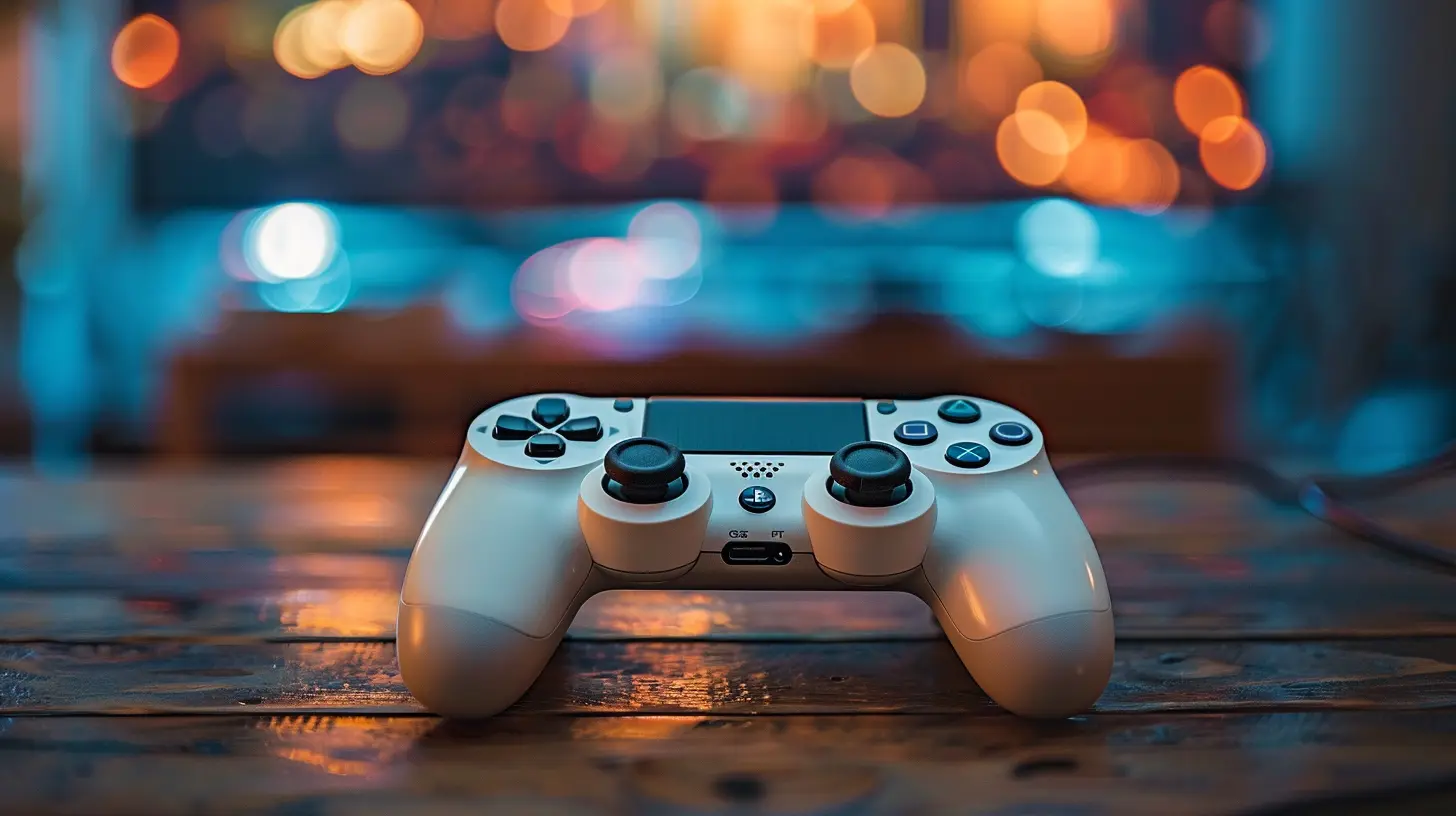
Why Customize Your Game Console?
Let’s face it: the stock design of most consoles is... well, kind of bland. They’re built to appeal to the masses, not necessarily to reflect your personality. Customizing your console is like putting stickers on your laptop—it makes it yours. It can also help you stand out, protect your investment, and even boost performance in some cases.Still wondering if it’s worth the effort? Ask yourself this: Would you rather stare at a sleek, vibrant, customized console—or a plain black box?
Different Ways to Customize Your Console
When it comes to customization, you’ve got options. Lots of them. Here's a breakdown of some of the most popular customization methods.1. Console Skins & Wraps
Think of skins as temporary tattoos for your console. They’re usually vinyl decals that stick onto the surface without causing any damage. The coolest part? They come in thousands of designs—from galaxy patterns and anime art to wood textures and metallic finishes.Pros:
- Affordable
- Easy to apply and remove
- Tons of design choices
Cons:
- Won’t protect your console from physical damage
- Can peel off over time
If you’re like me and change your setup mood every few months, skins are the way to go. No commitment needed!
2. Custom Paint Jobs
Want something more permanent? Custom paint jobs turn heads. This route requires a bit more skill (or hiring a pro), but the end result can be jaw-dropping. We're talking airbrushed graphics, color fades, metallic flakes—the works.Hot Tip: Use high-quality paints and always disassemble your console before painting. You don't want paint clogging up your vents!
3. LED Mods
Adding LED lights to your console or controller not only looks cool but also gives your setup that futuristic gaming lounge vibe. You can go beyond just RGB and program specific lighting patterns that sync with your gameplay. Imagine your console glowing red when you’re low on health—epic, right?Just be cautious about overheating. Always check that your LED mod is heat-safe and doesn’t block airflow.
4. Shell Replacements
Some companies offer entire replacement shells for your console or controller. This is a step above wraps or skins, since you're physically changing the outer casing. Shells come in transparent, matte, glossy, and even textured finishes.A great example is the transparent Nintendo Switch shell—it’s a blast of nostalgic ‘90s vibes.
5. Custom Controllers
Your controller is the main tool in your hands, so why not trick it out?Options include:
- Swappable thumbsticks and D-pads
- Custom button layouts
- Paddles for pro gaming
- Personalized colors and graphics
- Haptic and trigger customization
Some services like SCUF or Xbox Design Lab let you build your dream controller from scratch. It’s like Build-A-Bear for gamers.
Functional vs. Aesthetic Customization
Let’s slice customization into two categories: functional and aesthetic.Aesthetic Customization
This is all about looks. You’re customizing for the vibe, the feel, the Instagram flex. Skins, shells, lights, and paint jobs fall here.Functional Customization
Here, performance is the king. You're upgrading for faster and smoother gaming. Think:- SSD upgrades
- Cooling fans
- Thumbstick extenders
- Trigger mods
If you're serious about competitive gaming or live streaming, functional tweaks are where the magic happens.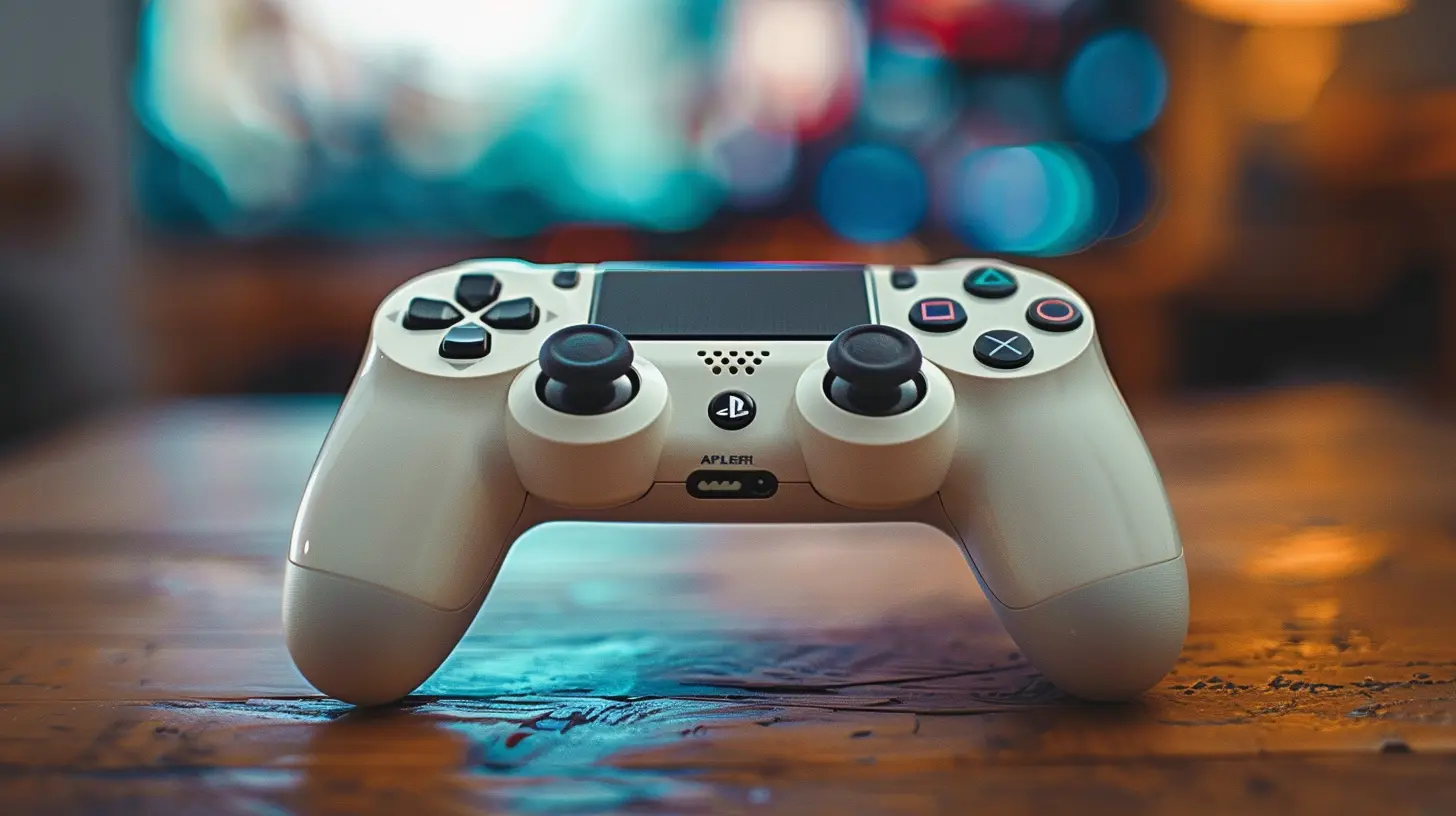
Customization Tips for Different Consoles
Each console has its own quirks when it comes to modding. Let’s break it down by platform.PlayStation (PS4/PS5)
PlayStation consoles are pretty DIY-friendly, especially when it comes to skins and LED mods. For the PS5 in particular, the removable faceplates open up tons of customization options.Quick Tips:
- Avoid blocking the large side vents on the PS5
- Use matte or soft-touch skins to avoid fingerprints
- Try swappable faceplates for a reversible look
Xbox (Xbox One/Series X|S)
Xbox consoles are an underrated gem for customization. While the tower-like design of the Series X can be tricky, the Series S is basically screaming for vinyl art.Quick Tips:
- Go for bold wraps to make the all-white Series S pop
- Use external cooling mods if you’re overclocking
- LED rings around fans look great on the Series X
Nintendo Switch
The Switch is arguably the most mod-happy console out there. Between interchangeable Joy-Con shells, back covers, and docks—there’s a lot you can mess with.Quick Tips:
- Transparent shells and Joy-Con buttons are a huge trend
- Consider ergonomic Joy-Con grips if you play handheld a lot
- You can even customize the dock with decals or LED lighting
PC Console Hybrids (Steam Deck, ROG Ally)
These handhelds are new on the block but have already built a cult following. Their modular design makes them ripe for modding—even more so than traditional consoles.Quick Tips:
- Thermal paste upgrades can boost performance
- Custom grips and thumbstick caps improve comfort
- Skins are an easy way to avoid scratching the display or shell
Trending Console Customization Ideas
So, what’s hot in 2024? Here are some customization trends that are turning heads:Retro Reboots
Nostalgia is powerful. Many gamers are slapping GameCube or SNES-inspired skins on their modern consoles. Purple shells, neon buttons, pixel art—you name it.Minimalist Monochrome
On the other side of the spectrum, clean white or black mods with soft LED glow are taking over Instagram and TikTok setups. It’s like your console walked out of an IKEA showroom.Anime & Pop Culture Themes
Whether it’s Naruto, Demon Slayer, or Star Wars, themed mods are all the rage. Matching controllers, docks, and stands? Bonus points for commitment.Performance Boost Mods
Gamers who stream or compete are looking beyond the surface. SSD swaps, cooling enhancements, and controller remaps are hot for those chasing perfect FPS and zero lag.What to Watch Out For
Before you go full Tony Stark on your console, keep these gotchas in mind:- Warranty Void: Many mods can void your warranty. Skins? Safe. Opening up your console? Risky.
- Overheating: Some mods obstruct ventilation and lead to overheating. Always prioritize airflow.
- Quality of Materials: Cheap wraps can peel, and low-end paint may chip.
- Compatibility: Make sure shells and parts match your exact model (e.g., PS5 Digital vs. Disc Edition).
DIY vs. Professional Customization
You’re probably wondering—should I do it myself or leave it to the pros?Here’s the lowdown:
Go DIY If:
- You’re changing skins, wraps, or decals- You’re confident with small hardware tweaks
- You enjoy tinkering and have the tools
Leave It to the Pros If:
- You’re doing a custom paint job- Installing internal components (like SSDs or fans)
- You’re dealing with high-end electronics
Sites like Colorware or MegaModz can customize your console and ship it back looking fresh.
Custom Console Setup Ideas
Once you've modded your console, don't stop there. Show it off with a sick gaming setup.- Use RGB shelves or light strips to highlight your console
- Mount controllers with magnetic wall holders
- Tie in your theme with matching mousepads, keycaps, and wall art
- Add a vertical stand with LED lighting for style and airflow
Your console is the star—make sure it has a stage to match.
Final Thoughts
Customizing your game console is more than just a visual upgrade—it’s an experience. It transforms your gaming space into a reflection of you. Whether you're into sleek minimalism, wild RGBs, or nostalgic throwbacks, there’s a mod out there with your name on it.So the next time you boot up your console, it won’t just play your favorite game—it’ll feel like a part of your identity. And that, my friend, is what gaming is all about.
all images in this post were generated using AI tools
Category:
Game ConsolesAuthor:

Kaitlyn Pace
Discussion
rate this article
2 comments
Finnegan McGuffin
Great read! Customizing game consoles is such a fun way to show off your personality and create a unique gaming experience. I love seeing creative designs and modifications. Can't wait to try out some of these tips to make my setup stand out even more!
October 12, 2026 at 3:13 AM
Kaitlyn Pace
Thanks so much! I'm glad you enjoyed it. Can't wait to see what unique designs you come up with for your setup!
Jade Acevedo
Customizing your game console is an exciting way to express your personality and enhance your gaming experience. Embrace your creativity and explore the latest trends. From skins to mods, make your console truly yours and stand out in the gaming community. Game on!
July 22, 2026 at 4:17 AM
Kaitlyn Pace
Thanks for the encouragement! Customizing really adds a personal touch and makes gaming even more fun. Glad you're excited about it too!