Top Tools Every Game Streamer Needs to Know
13 January 2026
So, you’ve decided to take your gaming passion to the next level and dive into the world of streaming. Awesome move! Whether you're broadcasting to a handful of friends or pushing for affiliate status on Twitch or YouTube, the truth is—you’re gonna need more than a decent PC and a cool game. Just like a chef needs the right tools in the kitchen, a game streamer needs specific gear and software to keep things smooth, engaging, and professional.
Let’s break it all down. From the gear that makes you look and sound like a pro to the software that keeps everything running like a Swiss watch, this guide covers the top tools every game streamer (yes, including you!) needs to thrive.
🎥 High-Quality Webcam
We get it—you’re here to stream games, not do a fashion show. But trust me, people connect more when they can see you. A clear webcam adds personality to your stream and builds that all-important viewer connection. No one wants to see a pixelated blob struggling to react during an epic boss fight.✅Top Picks:
- Logitech C920 – A classic for a reason. 1080p, reliable, and doesn’t break the bank.- Elgato Facecam – A newer premium option built specifically for streamers.
Pro Tip: Lighting is half the battle. Pair your cam with a decent ring light, and you’ll look like a streaming superstar.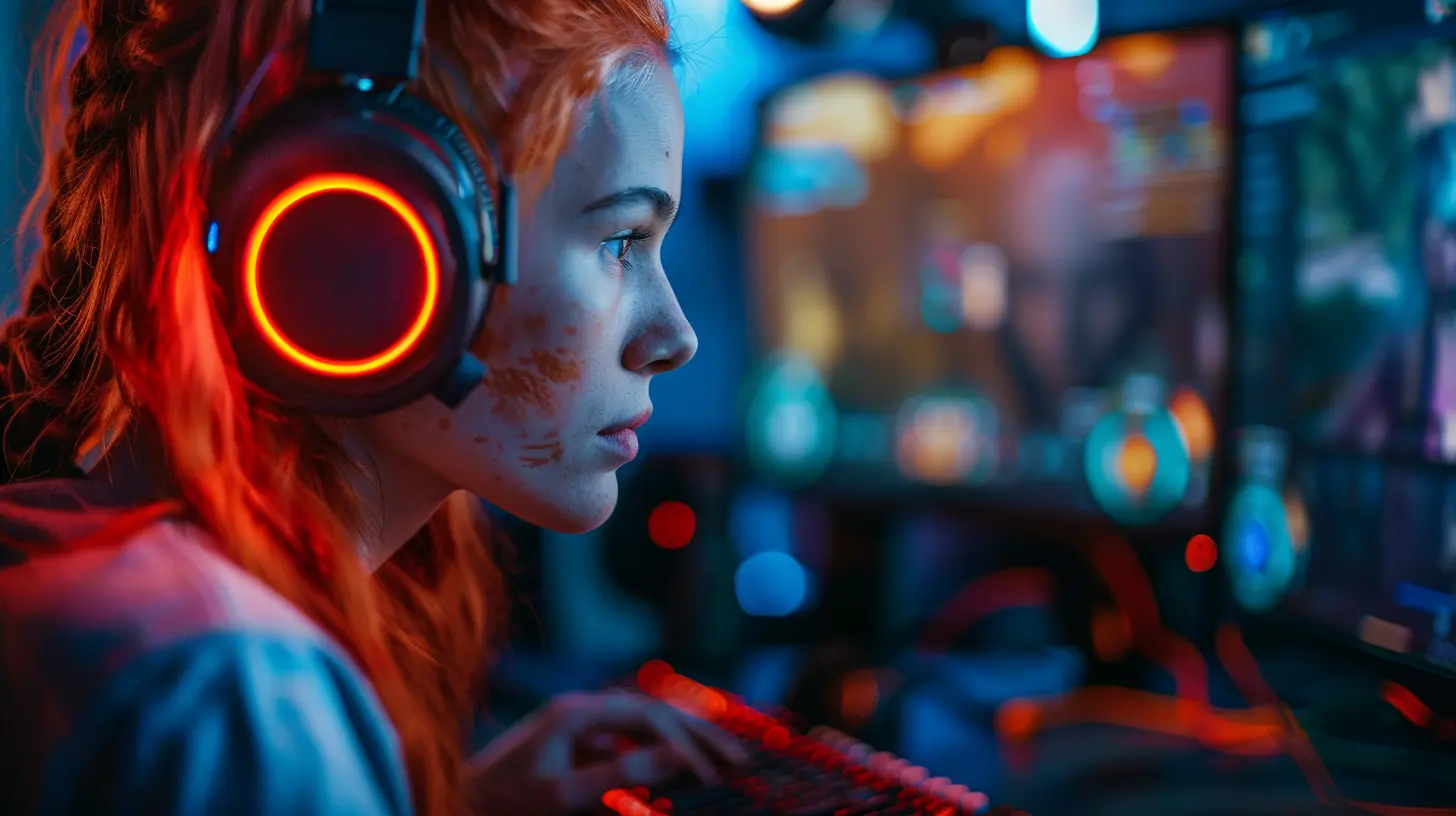
🎤 Crystal Clear Microphone
No matter how good your gameplay is, if your audio sucks, viewers are gonna bounce. A solid mic cuts out background noise, adds depth to your voice, and makes your reactions pop. Imagine narrating your stream with the crispness of a podcast host—sounds cool, right?✅Top Picks:
- Blue Yeti – Plug-and-play USB mic with studio-like quality.- Shure MV7 – Great for both USB and XLR setups. Think of it as the golden standard.
Also, consider a boom arm and pop filter. They’re not just accessories—they're your mic’s best friends.
📺 Streaming Software
This is your control center. It’s where the magic happens—scene switching, overlays, alerts, and that sweet 60fps magic. Picking the right software can make streaming seamless or a total headache.✅Top Picks:
- OBS Studio – Open-source and powerful. Might need some tweaking, but it’s worth it.- Streamlabs Desktop – User-friendly and comes with built-in widgets, themes, and chatbot.
- XSplit – Ideal for beginners; solid performance with a sleek interface.
Each one has its perks. Start with what feels most intuitive. You can always switch as you level up.
🎮 Capture Card
If you stream console games (PS5, Xbox Series X, Nintendo Switch), a capture card is non-negotiable. This nifty gadget captures your game footage in high quality and streams it live without delays or hiccups.✅Top Picks:
- Elgato HD60 X – Ultra-reliable and perfect for streaming in 1080p/60fps.- AVerMedia Live Gamer Portable 2 Plus – Great for mobility and on-the-go sessions.
No, this isn’t just for tech geeks. It’s for anyone who wants their console stream to look just as good as PC streams.
🖥️ Stream Overlay and Alerts
Bland streams are like black-and-white TV—you can watch it, but where’s the spark? Graphics and overlays inject personality into your stream. It shows you care, and more importantly, it screams "I’m serious about this!"What You’ll Need:
- Webcam frame- Stream starting/ending scenes
- Alerts for follows, subs, donos
- BRB (Be Right Back) screen
✅Top Resources:
- Nerd or Die- OWN3D.tv
- Streamlabs Theme Store
Pro Tip: Keep your branding consistent. Colors, fonts, style—make it YOU.
✂️ Chatbot for Engagement
Wanna keep your chat fun, spam-free, and interactive? Say hello to your new mod-in-a-box: the chatbot. It manages commands, filters bad words, welcomes new followers, and can even run giveaways.✅Top Picks:
- Nightbot – Easy to set up, cloud-based, and powerful.- StreamElements Bot – Integrates well with overlays and has more customization options.
- Moobot – User-friendly and Twitch-approved.
Let your bot do the busy work while you focus on entertaining.
🎨 Graphic Design Tools
Unless you’re a Photoshop wizard, designing panels, thumbnails, and banners can feel overwhelming. But don’t stress—it’s 2024 and you've got help. These tools make killer visuals without needing an art degree.✅Top Picks:
- Canva – Drag-and-drop simplicity, with tons of templates.- Placeit – Create mockups, logos, stream overlays in minutes.
- GIMP – Free, open-source alternative to Photoshop.
Trust me, a good-looking stream channel brings in more clicks, just like a slick magazine cover pulls you in at the bookstore.
🔧 Stream Monitoring & Analytics
Want to grow your stream? Then you’ve gotta treat it like a business. And that means looking at data. Who's watching? When are they dropping off? What content works best?✅Top Tools:
- Twitch Dashboard / YouTube Analytics – The basics, straight from the platform.- StreamElements Stats – Offers deeper insight and trends.
- SullyGnome – Great for Twitch-specific metrics and growth comparison.
Numbers don’t lie. Use ‘em to tweak your schedule, your content, and your strategy.
🚀 Internet Speed Testers & Optimization Tools
Lag is the enemy. It’s like nails on a chalkboard for your viewers. Your gameplay could be flawless, but if you’re buffering every few seconds, no one's sticking around.✅Key Tools:
- Speedtest.net – Run quick and easy internet checks. Aim for 10+ Mbps upload.- PingPlotter – Diagnose deeper connection issues.
- Twitch Inspector – Directly test your stream stability on Twitch’s servers.
Also, always use ethernet over Wi-Fi. Seriously, it's the streaming equivalent of switching from flip-flops to sneakers—just better grip.
🎧 Noise-Canceling Headphones
You can’t engage with your chat if you’re constantly distracted by background noise. A good pair of headphones does more than just pump in-game audio—it keeps you focused and immersed.✅Top Choices:
- SteelSeries Arctis 7 – Wireless, comfy, and has excellent mic quality.- HyperX Cloud II – Affordable and solid sound performance.
- Beyerdynamic DT 770 Pro – A bit pricey, but audiophiles will swoon.
Plus, they help you spot footsteps and cues that casual players might miss. So yeah—they’re definitely worth it.
🔄 Multi-Streaming Tools
Want to hit Twitch, YouTube, and Facebook all at once? Why not? Cast your net wide and grow across platforms. These tools let you stream to multiple places without having to juggle three setups.✅Top Tools:
- Restream.io – Popular and easy for streaming to multiple platforms.- Streamlabs Prime – Has multi-stream built into their upgraded package.
- Castr.io – Offers analytics and scheduling features.
Just be mindful of affiliate or partner agreements—some platforms don’t allow multi-streaming once you're monetized.
💡 Productivity Tools for Stream Planning
Behind every good streamer is a mountain of planning. From scheduling streams to brainstorming content and handling collabs, keeping everything organized is crucial.✅Must-Haves:
- Trello or Notion – Plan your content calendar, stream ideas, and more.- Google Calendar – Simple, accessible scheduling.
- OBS Scene Collection Backups – Save your settings before experimenting.
Being organized isn’t boring—it’s your secret weapon to staying consistent and avoiding burnout.
📱 Stream Companion Apps
You don’t need to be glued to your second monitor. Stream companion apps help you manage chat, alerts, and even control scenes right from your phone or tablet.✅Top Apps:
- Stream Deck Mobile – Control your stream with customizable buttons.- Twitch App – Moderate chat, run ads, or just keep tabs on stats.
- Discord – Coordinate with mods or chat with your community off-stream.
It’s like having a portable mission control in your pocket.
🎮 Bonus: Stream Deck
If you’ve seen those little button-filled boxes on streamer desks and wondered, “What’s that?”—meet the Stream Deck. Think of it as your live performance controller. One button can mute your mic, switch a scene, play a meme, or trigger an alert.✅Best Option:
- Elgato Stream Deck (Mini, Standard, XL) – Choose the size that fits your setup.It’s a splurge, sure. But once you start using one, there’s no going back. It's like having a producer right next to you.
Wrapping It Up
Streaming isn't just about hitting the “Go Live” button. It’s creating an experience, a vibe, a connection. And just like a warrior gears up before battle, you’ve got to be equipped with the right tools to stream like a true champion.The good news? You don’t need everything on this list on Day 1. Start small—maybe with a good mic and webcam—and build up as your audience grows. Streaming’s a journey. And with the right tools, trust me, it’s one heck of a fun ride.
Game on, streamer.
all images in this post were generated using AI tools
Category:
Livestreaming GamesAuthor:

Kaitlyn Pace
Discussion
rate this article
2 comments
Virginia Fields
Great article! As a budding game streamer, I found these tool recommendations super helpful. From streaming software to chat overlays, you’ve covered all the essentials. Can’t wait to implement these tips and enhance my channel! Keep up the great work!
January 16, 2026 at 5:11 AM
Kaitlyn Pace
Thank you for your kind words! I'm glad you found the recommendations helpful. Best of luck with your streaming journey!
Zorina Gibson
Unlock your streaming potential! The right tools can transform your gaming experience and elevate your content. Embrace innovation, engage your audience, and let your personality shine. With these essential tools, you’re not just a gamer; you’re a creator ready to inspire! Game on!
January 14, 2026 at 3:29 AM
Kaitlyn Pace
Thank you! Absolutely, the right tools can make a huge difference in enhancing both gameplay and audience engagement. Let's empower creators to shine!