The Legal Side of Livestreaming Games You Should Know
16 May 2026
So, you’ve finally nailed that screaming goat impression while playing Goat Simulator on Twitch, and your stream just hit 1,000 viewers. You're killing it with those headshots, your chat's popping off, and you’re feelin’ like a rockstar with a controller. But then—bam! You get slapped with a copyright strike. Game over. Or is it?
Welcome to the not-so-glamorous (but super important) legal side of livestreaming games. It's that part most gamers kinda shove under the rug—right until the rug catches fire.
Don’t worry though. I’ve cracked open the legal spellbook for you and broken it down in plain ol’ human talk. We're going to dive into what you can and can't do when livestreaming games, and yeah, some parts are as fun as waiting through 10 loading screens, but it's gotta be done!
Why the Legal Stuff Even Matters
Let’s be real. When you're livestreaming, you're not just sharing your gameplay—you’re essentially broadcasting content that could be jam-packed with stuff you don’t technically own.Imagine walking into a pizza place, grabbing a pie, and streaming yourself eating it live while charging viewers to watch. Strange, right? (Also, rude.) That pizza wasn’t yours to monetize. Well, games are kind of like that pizza.
Gaming companies, music owners, and even other streamers all have a slice of what you’re showing, and they could come after you if you don't play nice.
Legal stuff matters because:
- It protects you from takedowns and demonetization.
- It keeps your accounts from getting banned.
- It ensures you can make money without worrying about lawsuits dropping like creepers in Minecraft.
Let’s walk through the most talked-about legal minefields in the world of game livestreaming.
1. ? Game Licenses: Can You Stream That Game?
Sure, you bought the game. Maybe even the deluxe edition with extra costumes and a sword that looks suspiciously like a giant toothbrush. But owning a game doesn’t mean you own the rights to broadcast it.Game developers grant you a license to play—not to stream. Yep, that’s a thing.
Check the EULA (End-User License Agreement)
That thing you scrolled past faster than a loading bar on fiber internet? Yeah, that thing. It might say whether you can stream the game. Some publishers are totally cool with it. Others? Not so much.Who's Cool With Streaming?
Luckily, a lot of devs know streamers are basically free marketing. Here are some who usually encourage streaming:- Mojang (Minecraft)
- Epic Games (Fortnite)
- CD Projekt Red (Cyberpunk 2077)
But some publishers can go full "Karen" on you:
- Nintendo (historically tricky)
- Atlus (seriously, they once prohibited streaming certain parts of Persona 5)
Always check the game’s website or do a quick “Can I stream [Game Name]?” search. Save yourself the heartache (and a possible takedown notice).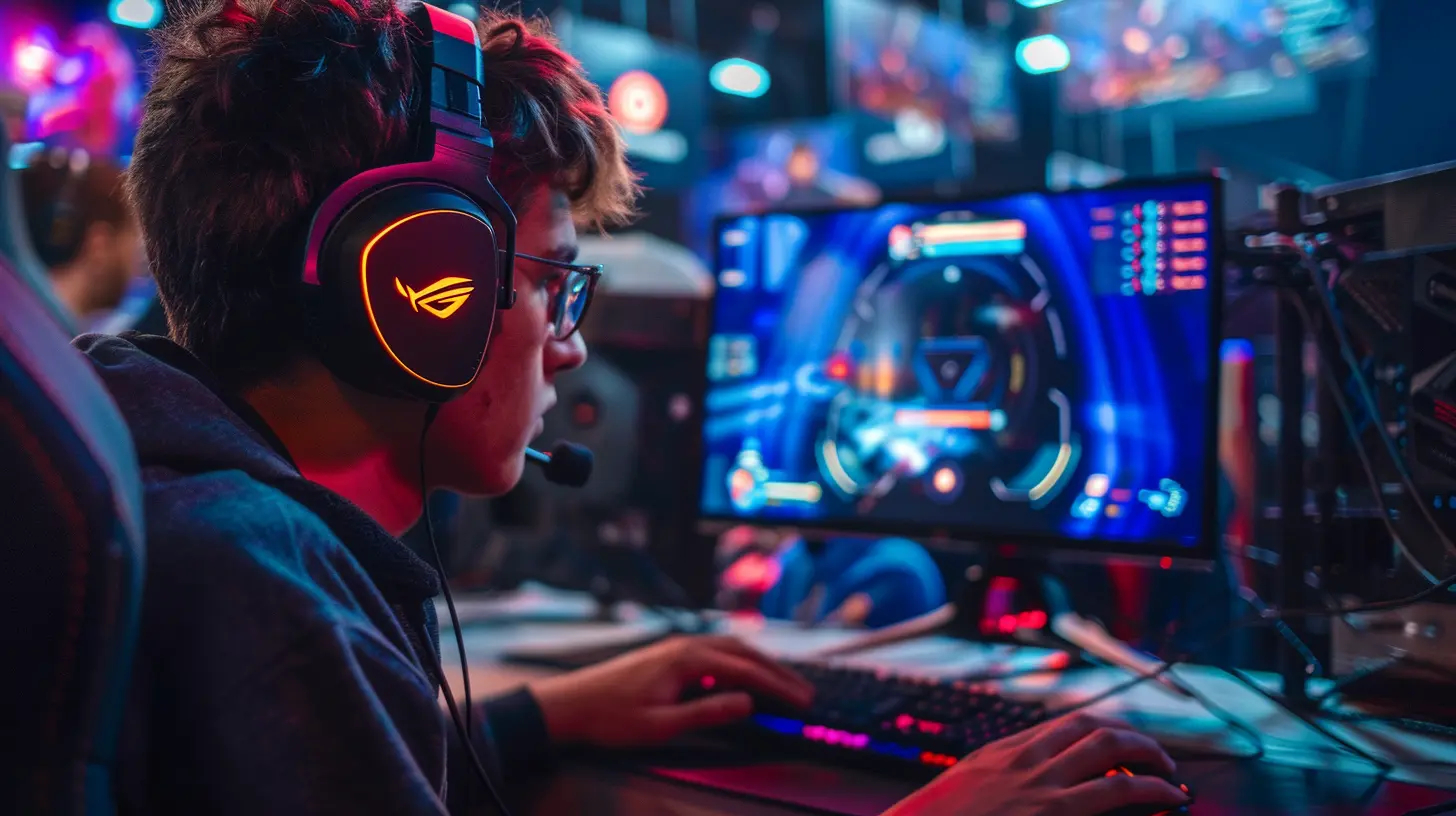
2. ? Music: The Silent Killer of Streams
Music on stream is like the final boss that keeps coming back—only instead of attacking you, it attacks your VODs and monetization.Yeah, that sick beat you were vibing to during your stream? If it’s not royalty-free, it might get you a DMCA (Digital Millennium Copyright Act) takedown faster than you can say “oops.”
Don’t Use Spotify or Apple Music
Sorry, but you can’t just vibe with Top 40 hits on your stream. Services like Spotify are meant for personal use—not commercial broadcasting.Use Streamer-Safe Music Instead
Here’s the good news: there’s TONS of awesome music out there made for streamers. Check these out:- StreamBeats by Harris Heller (free and DMCA-safe)
- Pretzel Rocks (with a streaming license)
- YouTube Audio Library (read each track's license info)
Pro-tip? Keep a playlist of “safe” bangers so you’re not awkwardly silent mid-stream.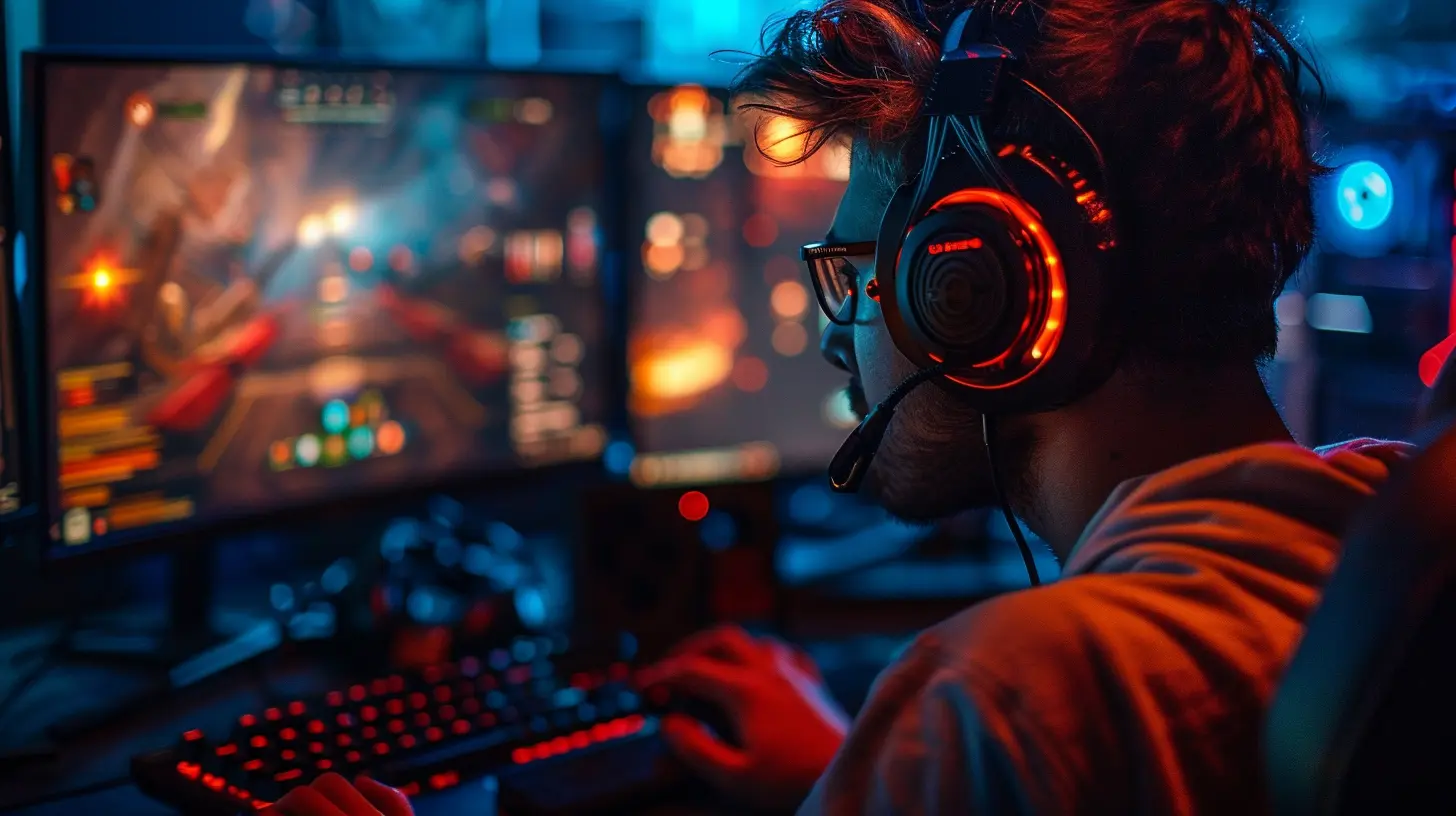
3. ? Face Cams, Overlays, and Other Visual Stuff
Let’s say you grab a cool face cam border from Google Images. Seems innocent, right? Until the original designer comes in hot demanding credit—or worse, files a takedown.Don’t Steal Graphics Off the Internet
Just because it's online doesn’t mean it’s free to use.Need overlays, alerts, or graphics? Either:
- Make them yourself (hello, Canva!)
- Use websites like Nerd Or Die, Visuals By Impulse, or OWN3D
- Hire a designer from platforms like Fiverr
Consider Fair Use? Sorta.
“Fair Use” gets thrown around a lot, but it's not a magic shield. It’s a legal gray area, not a get-out-of-jail-free card. It might protect parody or commentary… but don’t bet your Twitch channel on it.4. ?️ Voice Chat and Other People Talking
Here’s a juicy one. Ever been in a stream where someone yells something wildly inappropriate over voice chat? Yeah… not good.You’re Responsible for What Happens On Your Stream
Seriously. If someone on your team says something offensive, illegal, or just plain dumb, and you’re broadcasting it—guess who gets in trouble? That’s right. You.Also, if someone’s voice appears on your stream, that can be considered personal data in some countries (lookin’ at you, GDPR).
Best Practices:
- Let people know they’re on a live stream.- Use push-to-talk to control when voices go out.
- Keep your mod tools sharp—mute quickly if needed.
5. ? Monetization: Making Money Without Breaking the Law
So you've got subscribers, donations rolling in, and maybe even a juicy sponsorship deal. Congrats! Just make sure your money game’s legal.Ad Revenue & Copyright
If you monetized a video featuring copyrighted music or footage (that you don’t have permission to use), the copyright holder can:- Claim your ad revenue
- Block the video
- Or even take legal action (rare, but possible)
Not fun.
Sponsored Streams
Got sponsored by a keyboard brand or energy drink? Nice! But don’t forget those FTC rules. You need to disclose sponsorships clearly.Say things like:
- “This stream is sponsored by [Brand]!”
- Use #ad or #sponsored in your titles or descriptions
The FTC doesn't mess around. They're like the game devs of federal rules—every glitch is a fine.
6. ? Children's Privacy and COPPA
Are you creating content for kids under 13? Well buckle up, because the Children's Online Privacy Protection Act (COPPA) is no joke.What Does COPPA Mean for You?
If you’re collecting personal info (like names or chat logs) of viewers under 13, you need:- Verifiable parental consent
- Strict privacy policies
- To follow data retention laws
Platforms like YouTube may ask if your content is “Made for Kids.” If you say yes, you’ll lose features (comments, personalized ads, etc.) but stay safe legally.
Pro tip: If you’re not trying to make kid content, make that clear.
7. ?️ Streaming Emulated or Modded Games
What about streaming emulated games from your childhood or modding Skyrim until it's unrecognizable?Emulators: Legal Gray Area
- Emulators themselves? Usually legal.- ROMs or BIOS from games you don’t own? Not legal.
Streaming those can put you in hot water, especially if publishers catch wind of it. Also, Twitch has been known to flag ROM-related streams.
Mods
Streaming a modded game? Generally okay if the base game allows it and the mod doesn’t:- Infringe on other IP
- Alter the game in illegal ways
Still, always credit mod creators and avoid NSFW or controversial mods unless your audience and platform allow it.
8. ? DMCA Takedowns: The Big Scary Letters
DMCA takedowns are like the grim reaper of the internet. You get a notice, and suddenly:- Your video is gone.
- Your channel might be penalized.
- Three strikes and you're out (on many platforms).
How Can You Avoid Them?
- Don’t use copyrighted music, images, or footage.- Use assets you own or have permission for.
- Respect license agreements.
If you get a DMCA:
- You can file a counter-notice—but only if you're sure you're right.
- Repeat offenders can be banned from platforms or lose monetization permanently.
9. ? Banned Content: What NOT to Stream
It’s not just about copyright. Some stuff just isn't allowed, period.Common "No-Go" Zones:
- Gambling (depends on platform & local laws)- Hate speech & harassment (obviously bad)
- Nudity or explicit content (unless you're on… ahem, certain sites)
- Leaked or pirated games
Streaming unreleased betas or leaks? Publishers will come for you with the fury of a thousand suns.
10. ? Pro Tips to Stay Legal and Chill
Okay, legal storm over. Let’s wrap it up with some sanity-saving tips:- Keep a “stream-safe” checklist for games, music, and overlays.
- Always check the game’s streaming policy.
- Use royalty-free and licensed assets.
- Disclose sponsorships like a boss.
- Don’t stream illegal content—in any form.
- Back up your VODs in case you need to appeal a takedown.
- Make a habit of reading updates from Twitch, YouTube, or whatever platform you're using. Legal rules change faster than your K/D ratio on a bad day.
TL;DR: You Can Stream, Just Don’t Be A Jackass
Livestreaming is supposed to be fun—and it can totally be a solid way to build a community or even make a living. But ignoring basic legal stuff is like speed-running through a minefield blindfolded.Remember, it’s not just about what you play—It’s about how, where, and what licenses or policies are tied to the content you’re sharing.
So don’t be the streamer who cries "Why me?!" after five copyright strikes. Be the one who plays it smart, laughs with the chat, and stays live for the long haul.
Game on. Legally.
all images in this post were generated using AI tools
Category:
Livestreaming GamesAuthor:

Kaitlyn Pace
Discussion
rate this article
2 comments
Astoria McGhee
Livestreaming can be a thrilling way to share gaming experiences, but understanding the legal implications is crucial. Players need to be aware of copyright and licensing issues to avoid potential pitfalls and protect their content. Stay informed and game on.
July 13, 2026 at 3:02 AM
Kaitlyn Pace
Absolutely, staying informed about copyright and licensing is key for any streamer. It helps protect your content and ensures a smoother experience while sharing your gaming journey. Game on!
Dominique McLean
This article sheds light on an often-overlooked aspect of gaming. Understanding the legalities of livestreaming is crucial for streamers. It's a must-read to navigate potential pitfalls effectively.
May 20, 2026 at 3:50 AM
Kaitlyn Pace
Thanks for your thoughtful comment! I'm glad you found the article helpful in navigating the legal aspects of livestreaming.