Streaming on a Budget with Maximum Impact
9 August 2026
Streaming your gameplay can be an incredibly rewarding experience. Whether you're looking to build a community, show off your skills, or just have fun, there’s something uniquely special about sharing your games with the world. But here’s the kicker—setting up a decent streaming setup can get pricey real quick. The good news? It doesn’t have to be.
Let’s break the myth that you need a thousand-dollar rig, fancy lighting, and professional grade audio gear to get started. You can absolutely stream on a budget and still leave your viewers saying, “Wow, that was awesome.” In this guide, we’re diving deep into how you can stream with maximum impact while keeping your wallet happy.
Why Budget Streaming is Totally Doable
First off, let’s address the elephant in the room—you don’t need to keep up with the big-name streamers to get noticed or to have a professional-looking stream. Most of them didn’t start out with high-end setups either. They built things up over time. You can, too.Thanks to advances in software and more affordable gear, streaming today is way more accessible than it’s ever been. If you’ve got a passion for gaming and a decent internet connection, you’re already halfway there.
The Essentials You Actually Need
Let’s trim the fat and talk about what you really need to stream effectively without splurging.1. A Decent PC (Or Console)
You don’t need a beast of a PC to stream. Sure, it helps. But streaming on a lower-end setup is totally possible with the right tweaks.Minimum requirements to shoot for:
- CPU: At least a quad-core processor like an Intel i5 or Ryzen 3
- RAM: 8GB (though 16GB is ideal)
- GPU: A mid-range graphics card like GTX 1050 Ti or RX 570
Streaming directly from your console like a PS4, PS5, or Xbox One is super budget-friendly, too. These consoles have built-in streaming options, and while you won’t get flashy overlays, the gameplay still shines.
> Pro Tip: If your PC’s limited, try offloading encoding to your GPU using NVENC (for Nvidia) or AMF (for AMD). It’ll ease the load off your CPU.
2. Internet Connection
You could have the best content in the world, but if your stream is a pixelated, laggy mess—you’re toast.Aim for at least:
- Upload Speed: 5 Mbps for 720p streaming, 10 Mbps or higher for 1080p
Want to play it smart? Use an Ethernet cable instead of Wi-Fi. Trust me, wired connections offer much more stability and less risk of those cringe-worthy mid-stream drops.
3. Streaming Software: Free and Powerful
You don’t need to drop a dime here. The best tools are totally free.Top choices:
- OBS Studio – Open Source and super customizable
- Streamlabs – User-friendly with built-in widgets
- Twitch Studio – Tailored for beginners on Twitch
They all support overlays, alerts, webcam placements, and more. Don’t overthink it. Pick one, get comfortable, and go live.
4. Webcam and Microphone: Budget Heroes
Let’s be real. People connect with faces and voices. An overlay alone can’t do that. A webcam and mic add personality to your stream.Budget Webcam Options:
- Logitech C270 (720p and under $25)- Nexigo N60 (1080p budget-friendly)
- Use your phone! Apps like DroidCam or EpocCam can turn your phone into a webcam.
Cheap But Clear Microphones:
- Fifine K669B (USB mic with solid quality)- Tonor TC-777 (another great USB option)
- Lavalier mic (clip-on style, works well for tight spaces)
> Don’t want to spend at all? Use your phone’s mic or a gaming headset with a built-in mic. It’s not studio quality, but it gets the job done.
Free Tools That Do Wonders
Let’s talk software magic. You don’t need to pay for fancy graphic designers or video editors. There are free tools that look and work fantastically.- Canva – Build overlays, banners, and thumbnails easily
- StreamElements – Free overlays and alert packages
- Lightstream – A cloud-based streaming studio (great for console streamers)
- Krisp.ai – Removes background noise from your mic (free plan available)
Mix and match these tools to level up your stream’s visuals and sound without spending a cent.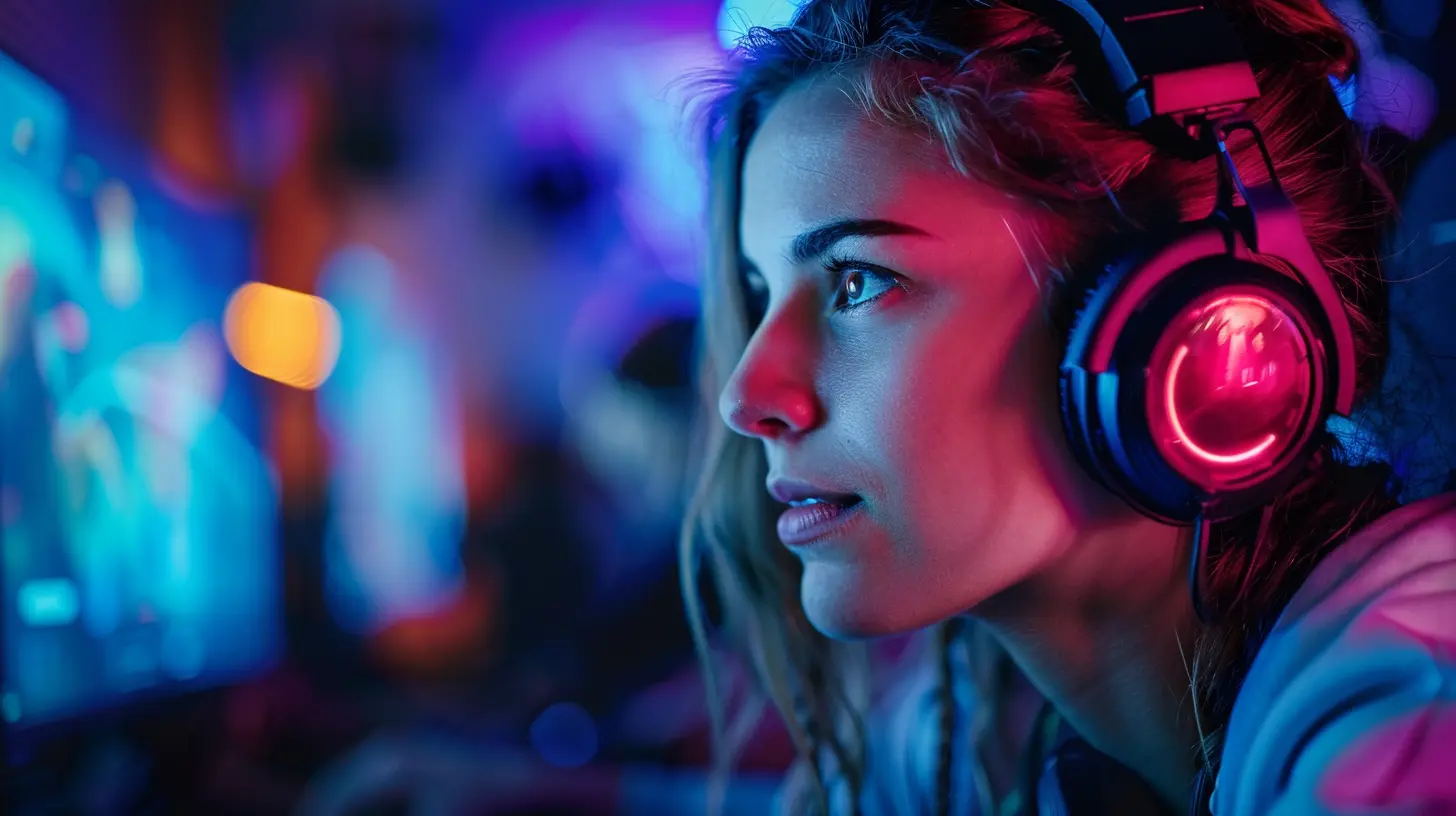
Tips for Looking Pro on a Budget
Even if your gear isn’t top-of-the-line, you can still come off as polished. How? It’s all in the presentation.1. Lighting is Everything
Good lighting can make a cheap webcam look amazing. All you need?- A desk lamp
- A window with natural light
- A white wall to bounce soft light
You can even DIY a ring light using a cheap LED strip and a pizza pan (yes, seriously).
2. Declutter Your Background
Nobody needs to see your laundry pile. Clean up the background or use a virtual background in OBS. Simple and effective.3. Use Overlays Wisely
Overlays should enhance, not distract. Keep them clean and readable. A free overlay from StreamElements or Nerd or Die can make your stream look premium.Engage Like a Pro (Even with 0 Viewers)
The truth? You might start with no viewers. And that’s okay. The trick is to act like someone’s always watching.- Keep talking: Narrate your thoughts and gameplay
- Ask questions: Even if no one answers, it makes the stream lively
- Welcome everyone: The second someone joins, greet them. Make it personal.
Engagement isn’t about numbers—it’s about connection. Focus on that, and you’ll grow.
Smart Upgrades When You’re Ready
Once you’ve got the basics down and maybe some tips trickling in, you can start upgrading—strategically.Here’s how I suggest leveling up:
| Upgrade | Budget Range | Why It Matters |
|--------|---------------|----------------|
| Capture Card | $60-$100 | For console streaming with overlays |
| Audio Interface + XLR Mic | $100+ | Huge boost to audio quality |
| Second Monitor | $50 used | Manage chat, alerts, and more |
| Stream Deck (or mobile app) | $0-$100 | Shortcut heaven for switching scenes |
But remember—only upgrade when it adds actual value, not just because it’s shiny.
Platform Choice: Where Should You Stream?
Do you go with Twitch, YouTube, Facebook Gaming, or Kick? They’re all valid, but here’s the low-down.- Twitch: Huge gaming community. Fast discoverability, but also high competition.
- YouTube: Better long-term growth. Great if you plan to make videos, too.
- Facebook Gaming: Easy for personal friends to find you. Lower competition.
- Kick: New kid on the block, but great for niche gamers or testing the waters.
Pick one based on your goals, and stick with it. Better to grow roots than hop around constantly.
Be Yourself: The Ultimate Hack
Let’s get real for a sec. Gear, lighting, overlays—they matter. But the real magic sauce? You.People stick around for genuine personalities over perfect 4K streams. Be authentic, laugh at your mistakes, and share your journey. That’s what builds community.
Streaming isn’t about impressing—it’s about connecting.
Final Thoughts
You don’t need deep pockets to be a compelling, entertaining streamer. With a bit of creativity, smart decisions, and consistency, you can build a streaming experience that rivals those with ten times your budget.Remember, your audience doesn’t care if your camera costs $20 or $200—they care about your energy, your vibe, and how you make them feel. So grab what you’ve got, hit "Go Live", and show the world what you’re made of.
Streaming on a budget? Heck yeah. But impact? That’s limitless.
all images in this post were generated using AI tools
Category:
Livestreaming GamesAuthor:

Kaitlyn Pace
Discussion
rate this article
2 comments
Raelyn Bishop
Great tips for budget-friendly streaming! It's all about creativity and resourcefulness. With the right mindset, you can make a big impact without breaking the bank.
November 5, 2026 at 4:58 PM
Astranor McDaniel
Great article! It offers practical tips for streamers looking to maximize their impact without breaking the bank. The suggestions on equipment and software are particularly helpful for those just starting out in the streaming world.
August 10, 2026 at 2:49 PM
Kaitlyn Pace
Thanks for the kind words! I'm glad you found the tips useful for getting started in streaming.