Prepping for a 24-Hour Game Livestream
26 May 2026
If you’ve ever thought about doing a 24-hour game livestream, first of all—mad respect. That’s not just gaming; that’s gaming on a marathon level. Whether you’re doing it for charity, to grow your Twitch or YouTube channel, or just as a personal challenge, going live for 24 hours straight is a beast. But with the right prep, you can not only survive it—you can absolutely slay it.
Let’s break down everything you need to know before hitting that “Go Live” button for a full-day gaming bonanza.
Why Do a 24-Hour Game Stream?
Before we dive into tips and tricks, let's answer the big question: why do this in the first place?Look, being live for 24 hours straight might sound insane to most people. But in the gaming community? It's a rite of passage. A 24-hour livestream can:
- Boost your visibility and followers
- Raise money for charity (like Extra Life or St. Jude)
- Create massive engagement with your community
- Challenge your stamina and dedication
- Be ridiculously fun (and slightly chaotic)
But fair warning: it’s not all fun and games. Fatigue is real, and burnout lurks around the corner if you don’t prepare like a pro. That’s where this guide comes in.
1. Set a Purpose (and Stick to It)
Don't just hit that "start streaming" button on a whim. Know your why.? Are you doing it to support a cause?
? Want to celebrate hitting 1,000 followers?
? Just up for a personal challenge?
When you know your reason, everything else falls into place. It also gives your viewers a reason to stay and support.
2. Pick the Right Date
Don’t schedule your stream for a day when you’ve got a dentist appointment or when the season finale of your favorite show drops.Instead:
- Pick a weekend or holiday when you’re least likely to get interrupted.
- Make sure you’ve got the day after off—you’ll need serious rest.
- Let your audience know in advance. Hype it up days (or even weeks) before via social media, Discord, or a fun teaser video.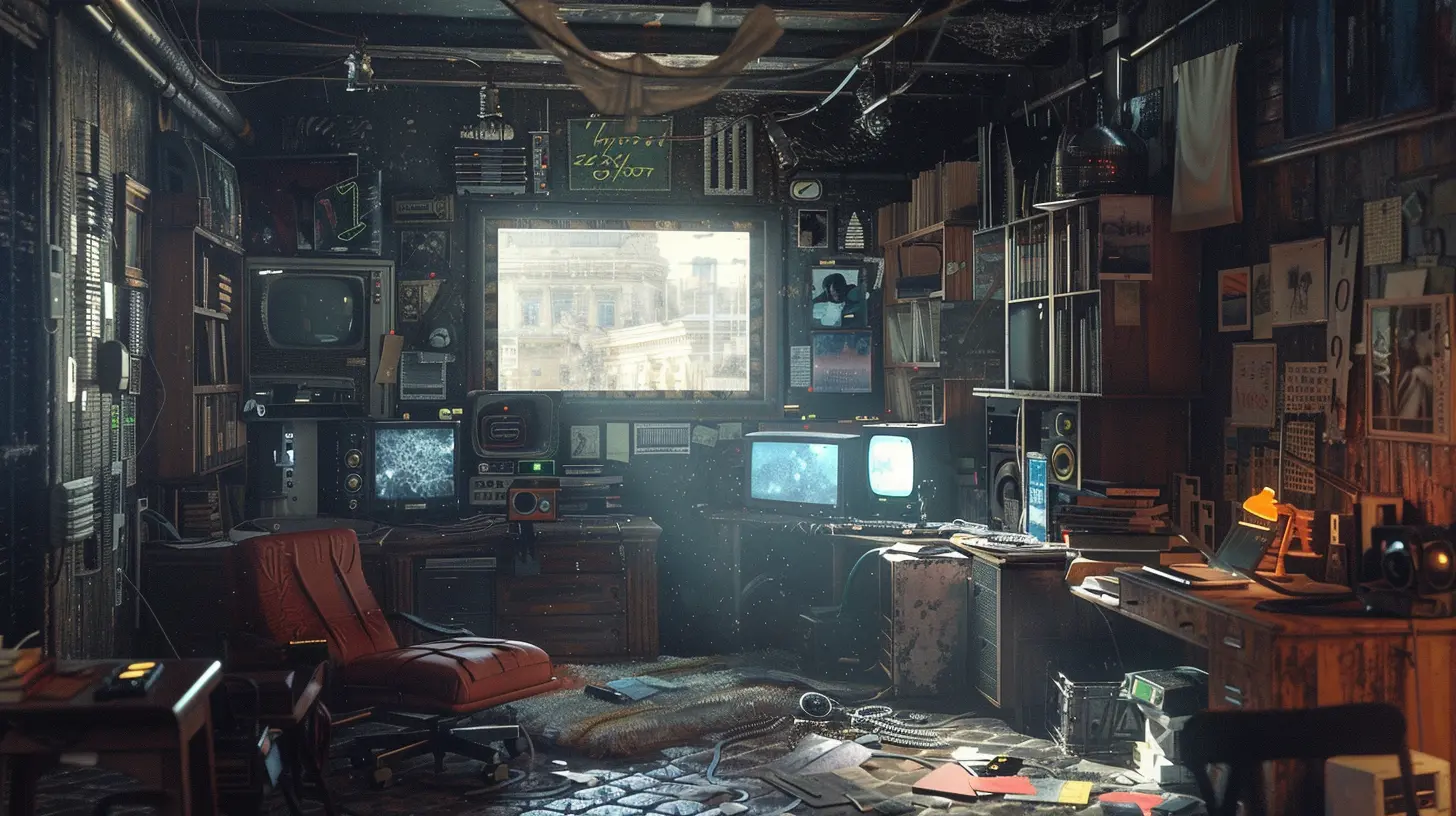
3. Create a Stream Schedule (Yes, Plan Out All 24 Hours)
Winging it for 24 hours? Nope. That’s a recipe for chaos.Build a mini roadmap for your livestream. Here's what to include:
?️ Game Rotation
Playing ONE game for 24 hours straight? Yikes—a quick way to lose both energy and interest. Plan to rotate between different titles every few hours.Mix it up with:
- Action-packed games (keep the adrenaline up)
- Chill games (Animal Crossing, Stardew Valley)
- Multiplayer titles (invite viewers or friends)
- Puzzle or simulation games (let your brain breathe)
? Segments and Themes
Break your stream into chunks or “segments,” like:- Game Swap Hour
- Viewer Q&A
- Multiplayer Madness
- IRL Chat Break
- Snack and Stretch Time
Having structured segments keeps things fresh for both you and your viewers.
4. Stock Up on Snacks Like a Pro
You can’t dominate a 24-hour stream on potato chips and energy drinks alone (well, you can, but your stomach’s gonna hate you).Here’s the rule: Think healthy-ish, long-lasting energy foods.
? Drinks:
- Water (hydrate or die-drate)- Coffee or tea (limit yourself though)
- Electrolyte drinks (for that marathoner vibe)
? Snacks:
- Fruit (bananas, apples, berries)- Nuts and trail mix
- Protein bars
- Sandwiches or wraps (pre-make ’em for easy access)
Avoid heavy, greasy meals. You want energy, not food coma.
5. Set Up the Ultimate Stream Station
This isn’t your everyday setup—you’re going to be in this chair longer than most people spend at their jobs.? Gaming Setup Checklist:
- Dual monitors (one for gaming, one for chat and OBS)- Quality webcam and mic (no one wants potato-cam half asleep at 4 AM)
- Comfy chair (your butt will thank you)
- Ring light or good lighting (keep those vibes high)
- Extra mouse/keyboard batteries or chargers
Also, tidy up your streaming space. You’ll be stuck in it for a full day—it might as well be nice to look at.
6. Get Your Tech in Check
You do NOT want a random OBS crash or internet drop mid-livestream, especially hour 16 when you’ve finally reached peak energy and your viewer count is booming.? Do This Before You Go Live:
- Test all software and hardware- Update your games and drivers
- Set up OBS scenes ahead of time
- Use bots for moderation and shoutouts
- Run a test stream
Also, back up your stream locally if you want to chop highlights later (pro tip: you should).
7. Prioritize Sleep the Night Before
It might be tempting to stay up all night beforehand, thinking you’ll "reset your clock.” Yeah, don’t do that.Instead, aim to get:
- A solid 8+ hours of sleep
- A chill, relaxing evening before
- Zero caffeine the night before (save it for game day)
Think of yourself like a marathon runner—you wouldn't go into a race with three hours of sleep and a Red Bull hangover, right? Same energy here.
8. Plan Breaks—Seriously, Take Them
Here’s the thing: 24 hours is a looooong time. You will need breaks.⏸️ Schedule:
- 5-10 minute breaks every 2 hours (stand, stretch, pee)- One or two longer breaks (30-60 mins) for meals or power naps
Use “Be Right Back” screens or play highlight clips. Your community will understand—most of them will leave and come back anyway.
9. Engage Your Chat Like a Boss
The best part of a 24-hour livestream? The community vibes.Even when you’re tired, keep the chat lively by:
- Reading messages out loud
- Asking fun questions ("What should I play next?")
- Hosting mini contests or giveaways
- Celebrating milestones ("100 viewers! Let’s gooo!")
Feeling drained? Lean on your mods or bring in co-hosts to help keep the energy up.
10. Promote Like Crazy (Before & During)
If you stream for 24 hours and no one shows up—was it even real? Okay, yes, but it's less fun.Promote it like it’s the Superbowl of your channel.
? Pre-Stream Hype:
- Create a countdown graphic- Share a teaser video or reel
- Post your stream schedule
- Use hashtags: #24HourStream #TwitchMarathon #GamingForGood
? During Stream:
- Share hourly updates on social media- Thank viewers often and encourage sharing
- Tag people you've featured (especially in multiplayer segments)
11. Expect the Unexpected
Something will go wrong during your livestream. That’s just the nature of live content.Maybe:
- Your game crashes
- Your mic cuts out
- Your internet hiccups
- You completely blank mid-sentence
It’s cool. Roll with it. Viewers don’t expect perfection—they want personality. Be real, laugh it off, and keep moving.
12. After the Stream: Rest and Reflect
You did it. You conquered the 24-hour beast. Now what?? Step 1: SLEEP
Get some serious rest. Your body and brain need recovery.? Step 2: Save and Clip
Go through your VOD and clip the best moments. These will keep your stream alive even after it ends.❤️ Step 3: Thank Your Viewers
Post a recap. Shout out your donors, followers, and MVPs. Show them love—they kept you going when your energy tank hit E.Final Thoughts
Prepping for a 24-hour game livestream isn’t just about hopping on and playing until your eyes blur. It’s about strategy, stamina, and community. Think of it like planning a gaming festival—but you’re the host, headline act, and crew all in one.So stock up on snacks, build your schedule, hype that stream, and most importantly—have fun. Whether it's your first or fifth marathon, you're part of an elite crew crazy enough to take on this challenge. And trust me, your community will love every sleep-deprived second of it.
Now go get some rest—you’ve got a big day ahead of you.
all images in this post were generated using AI tools
Category:
Livestreaming GamesAuthor:

Kaitlyn Pace
Discussion
rate this article
2 comments
Maddison Rios
If you're diving into a 24-hour game livestream, it's all about grit and strategy. Plan your breaks, hydrate like a pro, and keep the snacks flowing. It's not just a marathon; it's a test of endurance. Bring your A-game and own that stream!
August 3, 2026 at 3:17 AM
Kaitlyn Pace
Absolutely! Preparation is key. A solid game plan and plenty of fuel will make all the difference in a 24-hour livestream. Let's get ready to crush it!
Tamara Henderson
Preparation is key; balance gameplay and viewer engagement.
May 28, 2026 at 3:38 PM
Kaitlyn Pace
Absolutely! Finding that balance can make all the difference. Thanks for the insight!