Improving Your On-Camera Presence for Game Streams
11 May 2026
So, you’ve got the gear, the games, and the grind—but when that camera light flips on, do you find yourself stiff as a statue or second-guessing every move? You’re not alone.
Improving your on-camera presence for game streams is like leveling up your charisma stat—it takes time, practice, and a few solid strategies under your belt. Whether you're just starting out on Twitch or looking to become the next big streaming icon, your ability to connect with viewers face-to-face (well, screen-to-screen) is a game-changer.
In this guide, we’ll cover practical ways to boost that presence, keep your energy high, and make your audience feel like they’re not just watching you—they're hanging out with you.
Why On-Camera Presence Even Matters
Let’s be real: Thousands of people are streaming games every day. What makes the great ones stand out? It’s not just their gameplay; it's their personality, their vibe, and the way they light up the screen.When your on-camera presence is on point, people stay longer, interact more, and are way more likely to hit that follow or subscribe button. Think of it as the “it” factor—the X-factor that turns a quiet stream into a buzzing community.
The Mindset Shift: From “Viewer” to “Guest”
First things first: Change how you see your stream. Don’t think of it as a broadcast. See it as inviting friends into your gaming den. You’re not performing; you’re hosting. That small shift makes a huge difference in how you act and sound on camera.Ask yourself, “How would I talk if my best friend just plopped down on the couch next to me?” That’s the energy you want to bring.
1. Get Comfortable on Camera (Yes, You Can)
You don’t have to be a natural-born performer to be good on camera, but you do have to practice. Like, a lot. Here are some quick warm-up tips:Talk to Yourself—Out Loud
We all do it anyway, right? Start narrating your gameplay or daily activities even when you're off-camera. This gets your brain used to externalizing thoughts, which is surprisingly helpful when you're live.Do Trial Runs
Fire up the camera, record yourself playing for 10–15 minutes, and then watch it back. Yeah, it feels a little cringey at first—but it’s the fastest way to spot your quirks (good and bad).Practice Eye Contact
Look at the camera lens—not your screen—when talking to your audience. It’s strange at first, but viewers feel a stronger connection when it looks like you're talking directly to them.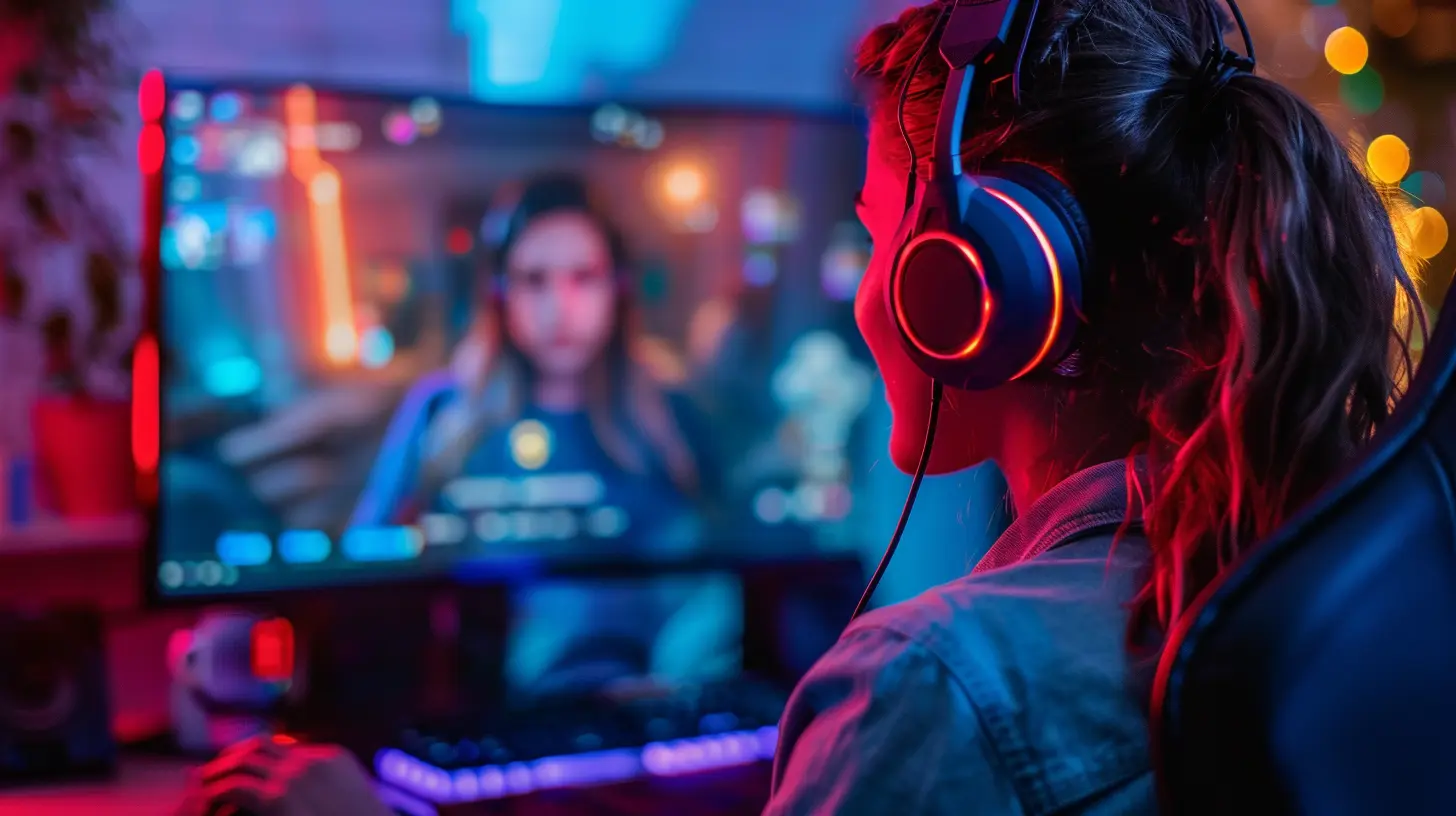
2. Body Language Speaks Louder Than Words
You could have the voice of a seasoned broadcaster, but if you’re hunched over with arms folded, you’re sending “I’d rather not be here” vibes.Sit Up, Smile, Relax
Posture and facial expressions matter more than people think. Sit upright, keep your shoulders relaxed, and smile naturally. Even slight movements—like nodding or reacting physically to the game—help keep your energy up and the viewer engaged.Use Your Hands
Don’t be afraid to gesture. It adds energy and makes your reactions feel more genuine. Sure, you might knock over a drink or flail wildly during a jump scare, but hey—that's part of the charm.Have a Signature Look
You don’t need full cosplay, but a consistent “look” helps people remember you. Maybe it’s a funky hat, a neon headset, or even a cool lighting setup—something that makes your stream feel uniquely you.3. Voice Control: Find Your Streamer Voice
No, you don’t need a radio announcer voice—but you do need to sound like someone worth listening to.Be Clear and Confident
Speak clearly and at a moderate pace. Don’t mumble or rush through your words. Act like you have something valuable to say—because you do.Add Energy (Without Overdoing It)
You don’t need to scream at every headshot, but you should sound excited to be there. Inflection and tone go a long way. Viewers can pick up on your energy even without looking at your face.Use Pauses
Pauses are powerful. They let your points land and give you time to think. Embrace the silence when needed—it’s not awkward, it’s dramatic.4. Dress the Part (Even If It’s Just From the Waist Up)
You don’t need full makeup or a tuxedo, but don’t show up looking like you just rolled out of bed either. Dress in a way that makes you feel confident. If you feel like a pro, you'll act like one.And yes, even if no one sees your pajama bottoms—make the top half count.
5. Make Eye Contact and Read the Room (A.K.A. Chat)
Your viewers are your co-stars. Talk to them!Acknowledge Comments
The more you engage with your chat, the more your stream feels like a two-way conversation. Read names, respond to messages, and ask questions. The interaction builds community and keeps people invested.Don’t Just Play—Commentate
Your viewers could be watching a highlight reel on YouTube, but they’re with you for you. Share your thoughts, tell stories, make jokes. Keep a steady stream of commentary, even during slower moments.6. Use Lighting and Camera Angles to Your Advantage
Let’s talk tech for a second. You don’t need a Hollywood setup, but your stream should at least look good.Invest in Lighting
A simple ring light can make a world of difference. Avoid shadows and dark corners unless you're going for a specific vibe (looking at you, horror streamers).Camera Positioning
Your camera should be at eye level. Looking down at your camera can make you look disinterested (and give you that unwanted double chin). Raise your webcam if needed with a stack of books—get creative!7. Build a Pre-Stream Ritual
You know how athletes have pre-game routines? Streamers should too. It sets the tone for your session.Try This Sample Ritual:
- Stretch or do a quick 5-minute warm-up- Do a mic check and video test
- Run through your talking points or game plan for the day
- Take deep breaths and get in the zone
It doesn't have to be fancy—just something that gets your head in the game before you go live.
8. Rewatch and Reflect
Yes, we said it earlier—but it bears repeating.After every stream, take a quick moment to review your performance. What worked? What didn't? Were there any awkward silences or missed chat messages? This feedback is pure gold.
Better still, ask a trusted friend or mod to give you constructive feedback. You won’t grow if you don’t know what to adjust.
9. Stay Consistent, Not Robotic
When it comes to presence, consistency helps viewers know what to expect. But don’t fall into the trap of becoming a robot on repeat.People should be able to tune in and feel your genuine self each time—whether you’re celebrating a win or losing your mind over a bugged quest.
10. Remember Why You Started
Burnout is real. Some days, the energy just isn’t there. That’s okay.When you’re struggling, go back to the reason you started streaming in the first place. Was it to connect with people? Share your love of games? Build a creative outlet? Use that reason to fuel your presence even on off days.
Bonus Pro Tips for On-Camera Greatness
Just a few extra nuggets before we wrap this up:- Smile before you go live – It tricks your brain into feeling more positive (crazy, but true).
- Keep water nearby – A dry throat can kill your energy fast.
- Use your name often – It helps build your brand and sticks in people’s minds.
- Celebrate small wins – Got a new follower? Thank them like they just gave you a golden loot box.
Final Thoughts
Improving your on-camera presence for game streams isn’t about being fake or putting on a show—it’s about learning how to let your personality shine through a lens. Like any skill, it gets better with time, effort, and the occasional awkward moment. The more you show up, the better you'll get.So, flip on that camera, fire up your stream, and remember—your viewers came to see you. Let them see the best version of that.
all images in this post were generated using AI tools
Category:
Livestreaming GamesAuthor:

Kaitlyn Pace
Discussion
rate this article
2 comments
Icarus Green
While technical skills are crucial, the article overlooks the importance of authenticity. Streamers must connect emotionally with their audience; charisma can make even mediocre gameplay engaging. Balance is key.
June 22, 2026 at 4:45 PM
Kaitlyn Pace
You make a great point. Authenticity and charisma definitely enhance the viewing experience. Finding that balance between technical skills and genuine connection is essential for any streamer. Thanks for sharing your thoughts!
Cora Ramirez
Engage your audience and let your passion shine!
May 26, 2026 at 4:04 AM
Kaitlyn Pace
Thanks for the encouragement! Passion really does make a difference on camera.