How to Optimize Your Stream for Mobile Viewers
29 August 2026
Live streaming has taken over the gaming world – and it’s not slowing down anytime soon. From Twitch to YouTube Gaming to Facebook Live, gamers are building entire communities around real-time gameplay. But here’s something a lot of streamers overlook: the majority of viewers are watching on their phones. Yep, those little screens are where your game comes to life for a huge chunk of your audience.
So, if you're not optimizing your stream for mobile viewers, you’re leaving a massive piece of the pie untouched.
In this guide, we’ll break down everything you need to know to make your stream mobile-friendly. Whether you're brand-new to streaming or you've already got a decent following, these tips will help you keep those mobile viewers engaged and coming back for more.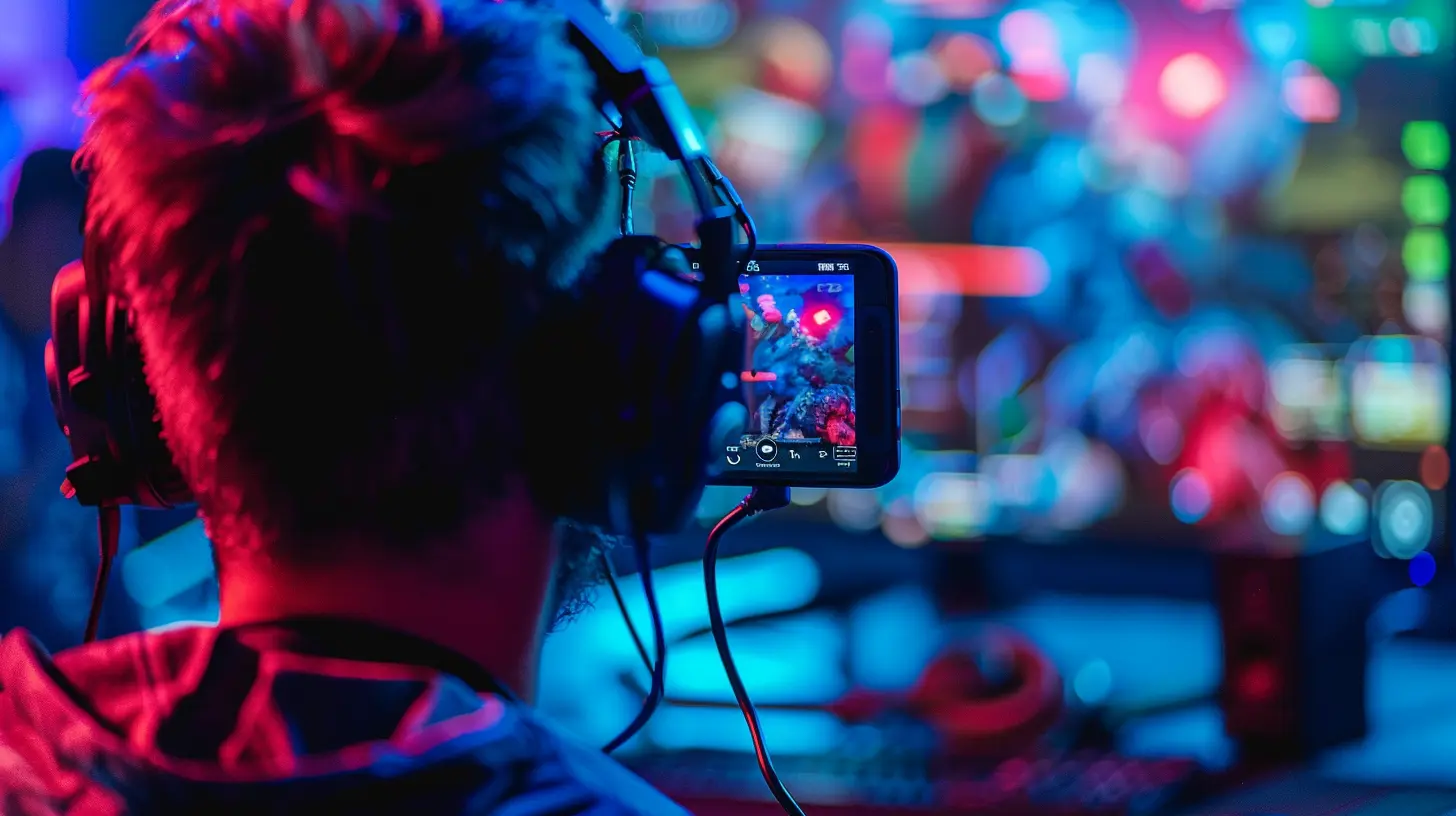
Why Mobile Viewers Matter More Than Ever
Let’s start with a little reality check. Think about your own habits. How often do you watch streams on your phone while lying in bed, riding the bus, or pretending to listen during a Zoom call?Exactly.
Studies show that over 60% of viewers on platforms like Twitch and YouTube come from mobile devices. That means optimizing for mobile isn’t a "nice to have" anymore—it’s absolutely essential if you want to grow.
Mobile users are a different breed. They’re watching on smaller screens, often with limited data or bad reception, and they’re usually multitasking. You need to deliver your content in a way that suits their lifestyle.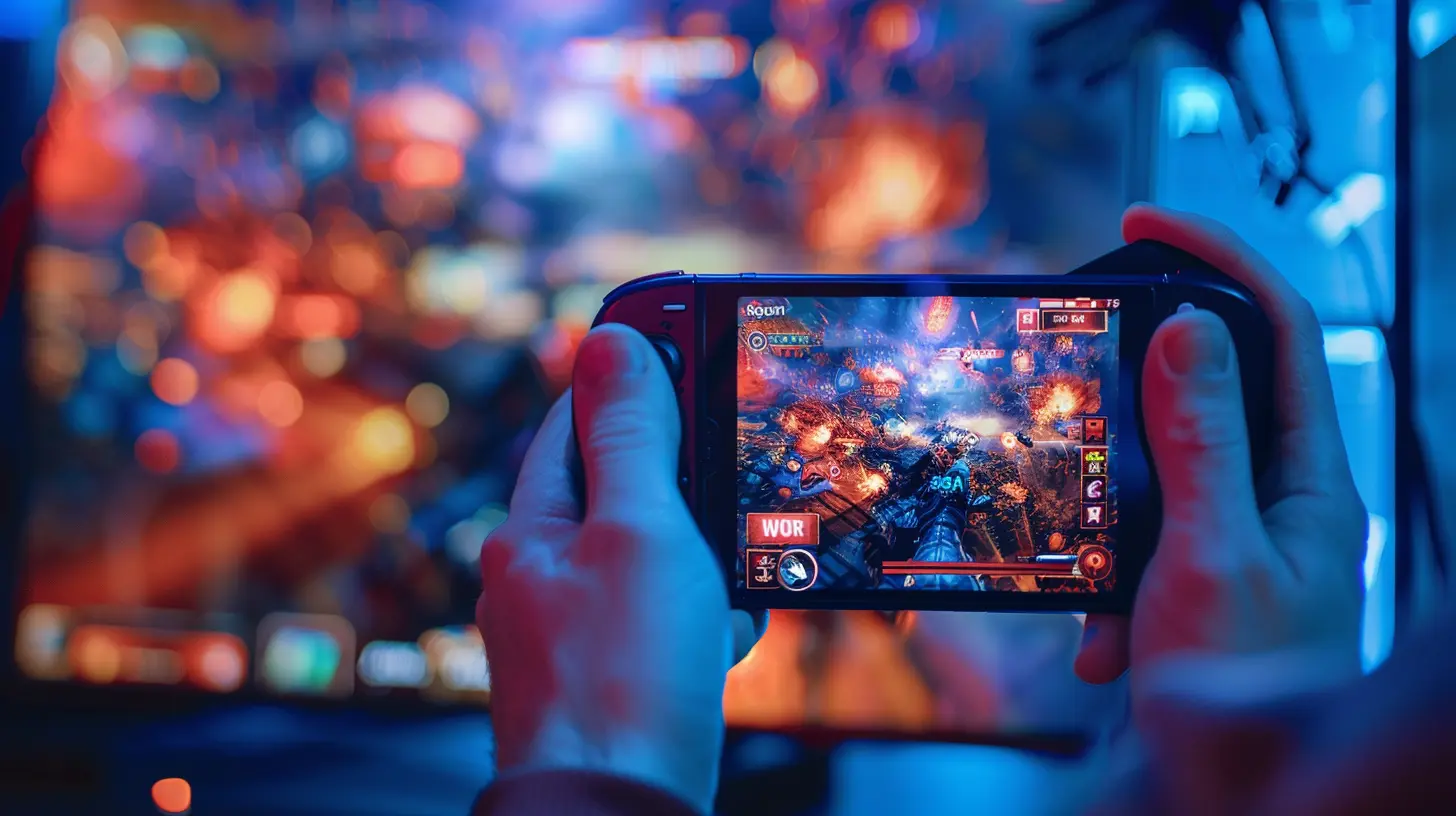
Common Mobile Viewer Struggles (And How to Fix Them)
Before we dive into solutions, let’s identify the problem areas mobile users deal with:- Tiny UI elements that are impossible to read
- Laggy video or poor resolution
- Overcrowded overlays
- Hard-to-hear audio due to background noise
- Streams that aren’t vertical or mobile-responsive
Sound familiar? Don’t worry—we’re going to fix all of that.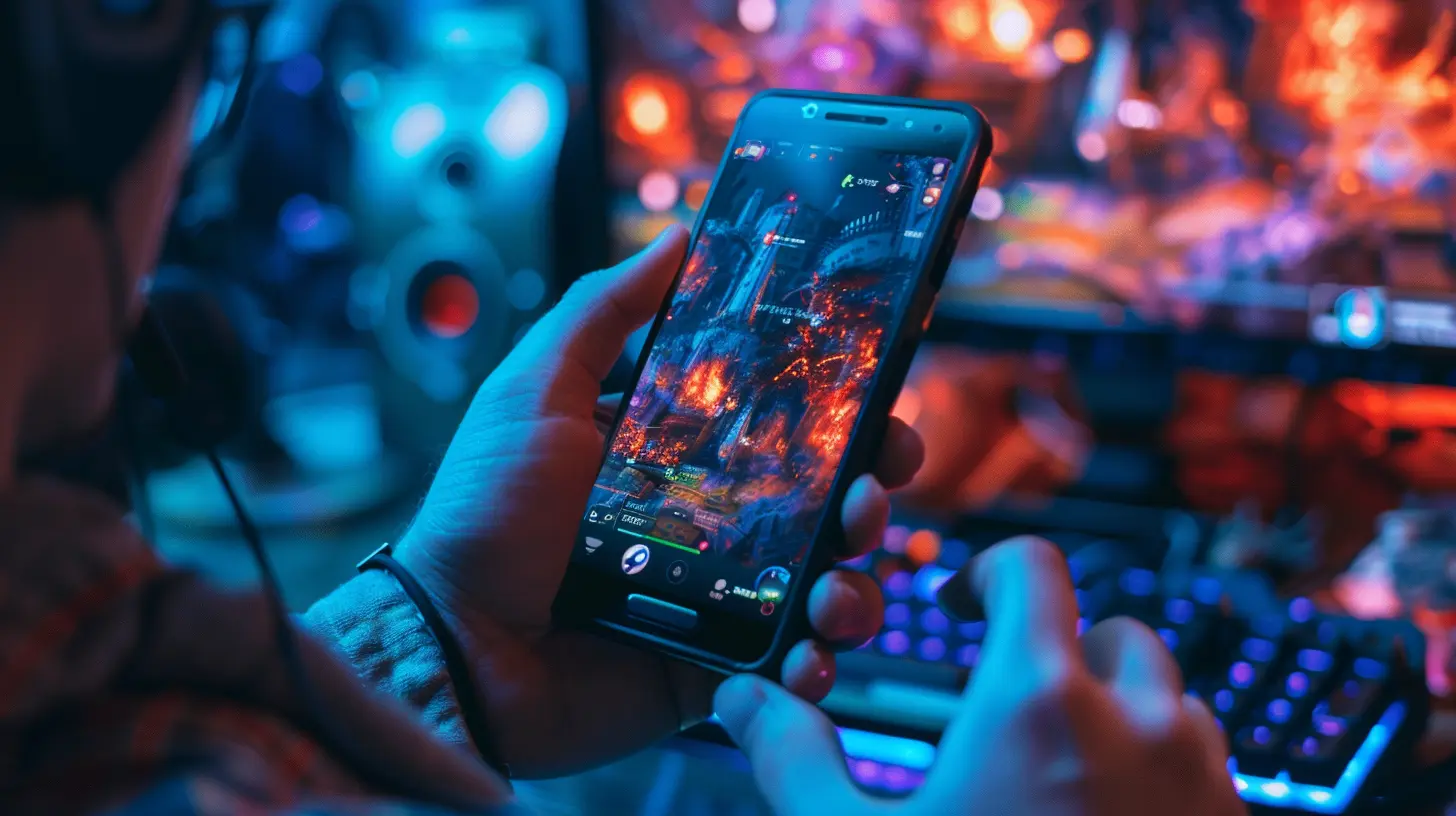
1. Choose the Right Streaming Resolution and Bitrate
Let’s get technical for a second—but just a second, promise.Streaming at full 1080p with a beefy bitrate might look glorious on a monitor, but for mobile users, it can be more of a curse than a blessing. Most phones won’t even load those streams smoothly unless they’re on rock-solid Wi-Fi.
What You Should Do:
- Stream at 720p (HD) instead of 1080p. It still looks sharp on mobile.- Use a bitrate between 2500-4000 kbps for better buffering on mobile.
- Enable adaptive bitrate if your platform allows. This auto-adjusts based on the viewer’s connection.
? Pro Tip: Platforms like Twitch offer transcoding (i.e., multiple quality options) but not always to newer or smaller streamers. If you're not partnered or affiliated yet, keeping your stream lighter helps everyone get in smoothly.
2. Simplify Your Overlay for Smaller Screens
We all love flashy overlays, but there’s a fine line between “cool” and “cluttered.”Mobile screens don’t give you much room to work with. Overlays that look neat on desktop can eat up half the screen on a phone—making it hard to see the actual gameplay.
Here's How to Fix That:
- Minimize overlays: Think clean and simple. Display only the essentials—alerts, webcam, maybe a chat box.- Use larger fonts for any on-screen text. If you can’t read it when zoomed out, it’s too small.
- Stay away from the corners: Most phones crop corners slightly or overlap them with UI.
Imagine trying to squint at a health bar hidden behind a translucent donation ticker—it’s not fun.
3. Optimize Audio for Mobile Playback
Did you know most mobile viewers don’t use headphones? That means your stream has to sound great on tiny phone speakers that aren’t exactly studio-quality.How to Sound Good Everywhere:
- Ensure your voice audio is crisp and louder than your game audio.- Avoid heavy bass or effects that can distort on small speakers.
- Use a noise gate and compression filters if you stream through OBS or Streamlabs.
? Bonus Tip: Monitor your audio using a phone occasionally. What sounds clean on your PC might sound like a mess on mobile.
4. Engage with Chat More Actively
Mobile users usually have less screen space, and they often toggle between full-screen mode and chat. Sometimes, they can’t even see the chat while watching you.This makes interactive engagement even more important—you need to talk to chat more often than you would with a desktop crowd.
Ways to Connect:
- Read out chat messages and respond to them aloud.- Repeat viewers’ names or encourage them to drop emojis or reactions.
- Use features like polls, stickers, or mini-games if your platform supports them.
Make your stream feel like a conversation, not just a show. That’s how you build loyalty.
5. Think Vertical (Yes, Seriously)
This one’s a bit controversial in the streaming community, but it's worth mentioning.Vertical video is taking over.
TikTok, YouTube Shorts, Instagram Live—they’re all optimized for one-handed, vertical consumption. And while it might not make sense for all game streams, some streamers are experimenting with vertical formats successfully.
Consider This If:
- You’re streaming mobile games.- You’re simulcasting on platforms like TikTok Live.
- You’re focusing on IRL or “Just Chatting” content.
? Pro Tip: Tools like Streamlabs Mobile and Restream allow you to convert your stream layout to vertical mode seamlessly.
6. Use Mobile-Friendly Stream Titles and Thumbnails
Mobile users scroll fast and tap faster. Your title and thumbnail need to stop them in their tracks.Best Practices:
- Keep titles short and punchy—ideally under 60 characters.- Use strong action words or create curiosity.
- Make thumbnails bold and high-contrast for small screens.
Think of it like creating a movie poster that someone will see on a postage stamp.
7. Test Your Stream on Mobile Yourself
Want to know the best way to understand your mobile viewers?Be one.
Watch your own stream on your phone—try tuning in from different networks (Wi-Fi, 4G, etc.), devices, and orientations.
Ask yourself:
- Can I read the text?
- Is the audio clear without headphones?
- Is the gameplay the focus, or is the screen crowded?
This kind of self-audit is gold.
8. Create Mobile-Friendly VODs and Highlights
Not everyone catches the stream live. VODs (Video on Demand) are huge, especially for mobile users who want quick highlights or missed the session.Pro Tips for VOD Optimization:
- Trim down the intro/outro fluff.- Add timestamps or chapters.
- Optimize the aspect ratio and compress the file for smaller devices.
And when you upload to platforms like YouTube, make sure your descriptions are scannable, with emojis, bullet points, and mobile-first titling.
9. Promote Your Stream Where Mobile Users Hang Out
Guess where most people scroll through TikTok or Twitter? On their phones.If you want mobile viewers, meet them where they are. Promote your stream on mobile-first platforms.
Hotspots for Promotion:
- Instagram Stories and Reels- TikTok
- Twitter (X) threads
- Discord push notifications
- YouTube Shorts
Use bite-sized content like memes, reaction clips, or behind-the-scenes peeks to lure them in.
10. Keep It Lightweight – Don't Overload Mobile Connections
Mobile devices have limitations. They overheat, apps crash, signals drop—it’s a battlefield out there.So the more your stream helps them out, the longer they’ll stick around.
Try These Quick Fixes:
- Disable overly heavy alerts or transitions.- Offer audio-only mode if your platform allows.
- Lower latency for faster interaction.
Remember, you’re not just streaming from your perspective—you’re designing a mobile experience.
Wrapping It All Up
Optimizing your stream for mobile viewers isn’t just a trendy suggestion—it’s the future. With smartphones becoming the go-to way to consume content, it’s crucial to meet your audience where they are.Small tweaks can lead to big gains in viewer retention, engagement, and even monetization. So the next time you go live, think about the mobile experience. Zoom out, simplify, engage more, and test like a viewer — not just a streamer.
Because when you make it easy (and fun) for people to watch you on the go, they’re way more likely to stick around—and hit that follow button.
all images in this post were generated using AI tools
Category:
Livestreaming GamesAuthor:

Kaitlyn Pace
Discussion
rate this article
1 comments
Raine McCarty
Focus on screen size and clarity.
August 30, 2026 at 5:02 PM
Kaitlyn Pace
Absolutely, screen size and clarity are key for mobile viewers. Thanks for the reminder!