Gaming Accessibility Features in Popular Consoles
4 June 2026
Gaming has come a long way — not just in terms of graphics and gameplay, but in how it includes everyone. And when we say everyone, we mean players from all walks of life, including those with disabilities. Game developers and console makers have finally started listening and acting. Today, gaming isn't just a luxury for hardcore gamers; it’s becoming a more inclusive space for people who face physical or cognitive challenges.
So, if you've ever wondered how gaming consoles are becoming more accessible, you’re in the right place. Let’s dive into the amazing world of gaming accessibility features in popular consoles and how they're changing the way games are played and experienced.
Why Accessibility in Gaming Matters
Imagine waiting all year for a huge game release, only to find out that your disability prevents you from playing it comfortably — or at all. Frustrating, right?Accessibility in gaming isn’t a niche concern; it’s a necessity. According to the World Health Organization, over a billion people live with some form of disability. That’s a massive number of potential gamers who, until recently, were often left out of the fun.
So, what’s changed? A lot, actually. Game companies are finally stepping up, thanks to greater awareness, community voices, and technological advancements. Accessibility is no longer an afterthought — it’s becoming part of the design process from day one.
Gaming Giants Making a Difference
Let’s break down how the big three — Microsoft, Sony, and Nintendo — are cracking the code on accessibility.? Microsoft Xbox: Leading the Accessibility Front
When it comes to accessibility, Xbox is killing it. Seriously, they’ve set the bar high.Xbox Adaptive Controller
The big game-changer here is the Xbox Adaptive Controller. It looks nothing like a traditional controller — and that’s the point. It's a flat, rectangular device with two large programmable buttons and multiple 3.5mm jacks on the back. These allow users to plug in all sorts of switches, joysticks, and buttons that suit their specific needs.It’s not a one-size-fits-all; it’s more like a “custom-fit for all” solution.
This controller isn’t just accessible; it’s empowering. It gives control back to gamers who may have had to give up gaming due to physical challenges.
Copilot Mode
Ever wish you had someone to share the controls with, like a buddy riding shotgun? Xbox’s Copilot Mode allows two controllers to act as one. This means one player can help another complete parts of the game that might be more challenging without taking over the whole game. It’s teamwork at its finest.Accessibility Settings
Xbox also offers a host of accessibility features right in the system menu:- Button remapping
- Narrator support (reads on-screen text aloud)
- Magnifier for vision-impaired players
- High-contrast themes
- Closed captions and speech-to-text
It’s inclusive, intuitive, and impressive.
? Sony PlayStation: Playing Catch-Up with Style
Sony might not have been the first to sprint toward accessibility, but oh boy, they’re catching up fast — and doing it well.Project Leonardo (Now the Access Controller)
Sony unveiled the Access Controller (formerly Project Leonardo), a customizable kit designed specifically for players with limited mobility. It features swappable buttons, adjustable joystick caps, and a 360-degree layout to accommodate individual play styles and physical needs.While it’s relatively new to the scene, it's showing great promise and is a testament to Sony’s long-term commitment to inclusive design.
System-Level Features
Sony has been quietly building a solid library of accessibility tools within the PlayStation 5:- Voice dictation for typing
- Screen reader functionality
- Closed captions and directional audio support
- Customizable subtitles
- High-contrast UI modes
- Game presets for accessibility (like auto-sprint, hold/tap toggles)
Also, many first-party PlayStation titles like The Last of Us Part II and God of War Ragnarök have raised the bar with in-depth accessibility options. These include everything from combat adjustments and audio cues to visual enhancements and full control remapping.
Haptic Feedback and Adaptive Triggers
Let’s not forget the DualSense controller. It adds a layer of sensory feedback, like subtle vibrations or resistance in the triggers, which help players connect more deeply with the game. For some gamers, this physical feedback can be a useful accessibility tool — giving signals through touch as much as sight or sound.? Nintendo: Slowly But Surely
Nintendo has always danced to the beat of its own drum. While it’s not always been the fastest to adopt accessibility features, it's beginning to get serious about it.Switch Flexibility
The Nintendo Switch itself is a versatile little beast. Its Joy-Con controllers can be detached and rearranged in various ways, making it easier for players with different needs to find comfortable setups. That said, limited button remapping and lack of adaptive hardware have been concerns.Built-In Features
Nintendo has been updating the Switch OS to include features like:- Basic button remapping
- Zoom function
- Subtitle support
- Mono audio for headphones
- Color inversion
It’s a humble list compared to its rivals, but it’s a start. More importantly, it reflects a shift in mindset that accessibility isn’t optional.
Game-Based Accessibility
Nintendo’s charm lies in its games. Titles like Animal Crossing: New Horizons and Mario Kart 8 Deluxe include simplified controls, auto-acceleration, and steering aids. They’re easier on both new gamers and those with limited coordination.
Accessibility Beyond Controllers
Let’s not forget that accessibility goes way beyond hardware. Software and game design play massive roles too.UI Customization
Having a clean, readable interface might seem like a small thing — until it’s not. Games are increasingly offering customizable UIs, allowing players to adjust text size, contrast levels, and even eliminate visual clutter altogether.Subtitles & Audio Cues
Subtitles are standard now, but enhanced subtitle options? That’s the good stuff. Custom subtitle size, background options, and speaker tags help people with hearing challenges enjoy games just as much as anyone else.Difficulty Tweaks
Forget the “Git Gud” culture. Accessibility is making games more flexible. Players can adjust difficulty, slow time, or even skip sections that are too frustrating. And hey — playing on easier settings doesn’t mean it’s less “legit.” It means it’s playable, and that’s what counts.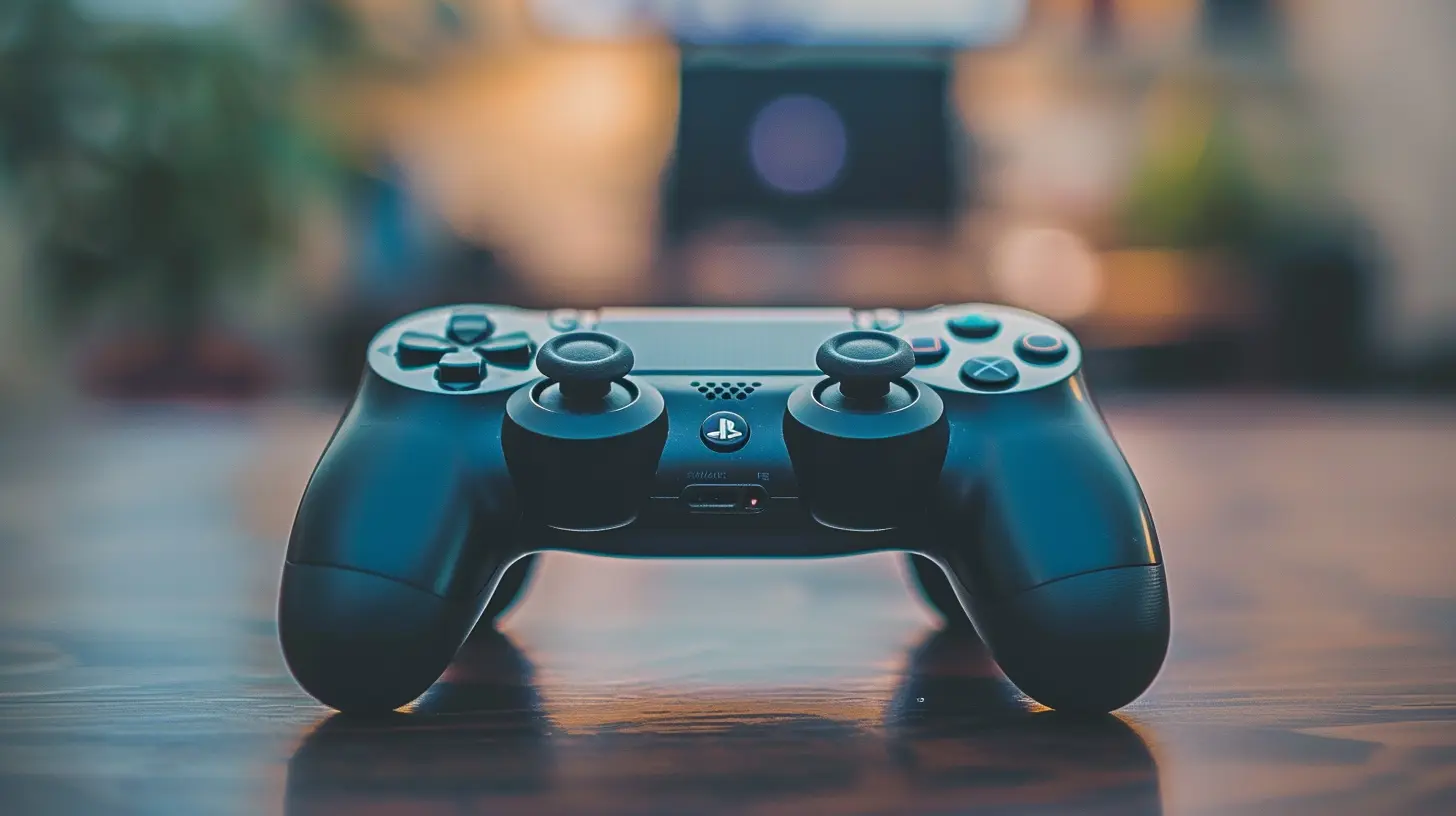
The Role of Developers
Console creators can only do so much — a lot depends on game developers themselves.Studios like Naughty Dog, Ubisoft, and Insomniac Games are leading the pack. They’re going above and beyond with features like:
- High-contrast mode for low-vision players
- One-handed control schemes
- Auto-aim and aim lock assistance
- Fully narrated menus
- No-fail modes
These aren’t just add-ons. For many players, they’re the difference between playing a game and not being able to play at all.
Community Feedback Drives Progress
Here’s something worth noting: A lot of these innovations wouldn’t exist without feedback from disabled gamers and their advocates.From YouTubers raising awareness to forums dedicated to accessible gaming, the community has been loud and proud. Their input has steered developers and console makers toward smart, meaningful solutions.
Looking Ahead: The Future Is Accessible
Where do we go from here? Hopefully, straight into a future where accessibility isn’t a “feature” — it’s a default.We’re already seeing promising tech like eye-tracking, voice control in games, and AI-driven support tools. Combine that with more educated developers and supportive communities, and the future of gaming looks a lot more open, inclusive, and fun.
Final Thoughts
Gaming is supposed to be fun for everyone, right? So why should anyone be left out just because traditional controllers or interfaces don’t fit their needs?Thankfully, with companies like Microsoft, Sony, and Nintendo stepping up, the tide is changing. Gaming accessibility features in popular consoles aren’t just improving — they’re evolving. Slowly but surely, the virtual worlds we love so much are opening their doors wider than ever before.
Whether you’re a gamer with disabilities, a developer trying to do better, or just someone curious about this amazing shift — one thing’s for sure: accessible gaming is here to stay, and it’s only going to get better.
all images in this post were generated using AI tools
Category:
Game ConsolesAuthor:

Kaitlyn Pace
Discussion
rate this article
2 comments
Capri Perez
Great insights! More awareness about accessibility features can truly enhance the gaming experience for everyone.
August 24, 2026 at 2:41 AM
Kaitlyn Pace
Thanks for your feedback! I completely agree that increasing awareness of these features can make gaming more enjoyable for all players.
Reece Jacobs
It's inspiring to see how gaming accessibility is evolving. These features not only open doors for those with disabilities but also enhance the experience for everyone. Every player deserves to enjoy the magic of gaming, and it's great to witness the industry prioritize inclusivity. Let's keep pushing for more progress!
June 10, 2026 at 3:08 AM
Kaitlyn Pace
Thanks for your thoughts! It's exciting to see the industry embrace inclusivity, and I agree that these advancements benefit all players. Here's to more progress ahead!